contact@windowskeyshop.com

Blog

Windows 11 Pro Remote Desktop: host PC, connecting device and secure access checks

Windows 11 Pro Remote Desktop: 7 Checks Before You Buy

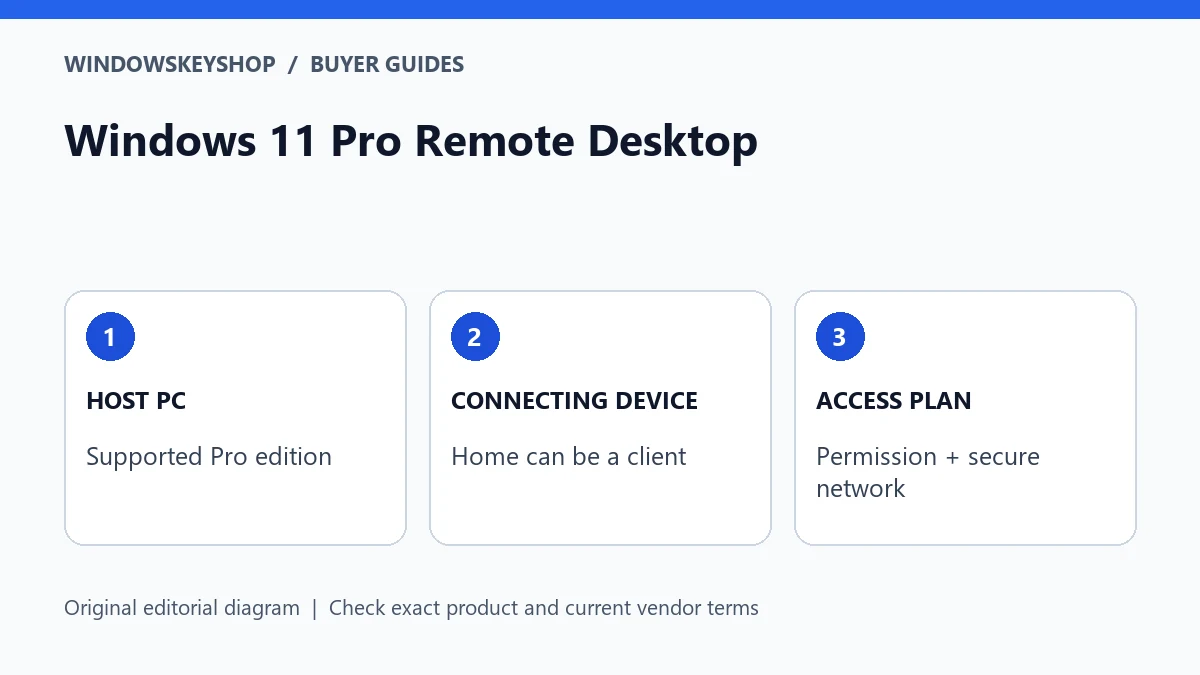
Windows 11 Pro Remote Desktop can let another device connect to your Pro PC. The PC receiving the connection needs a supported host edition; a Windows Home PC can be a client. Do not buy a second Pro upgrade just because you want to connect from it. Check the host, network access, account permissions and license separately.
Windows 11 Home vs Pro for gaming: gaming needs, additional workloads and buying decision

Windows 11 Home vs Pro for Gaming: 6 Buying Checks

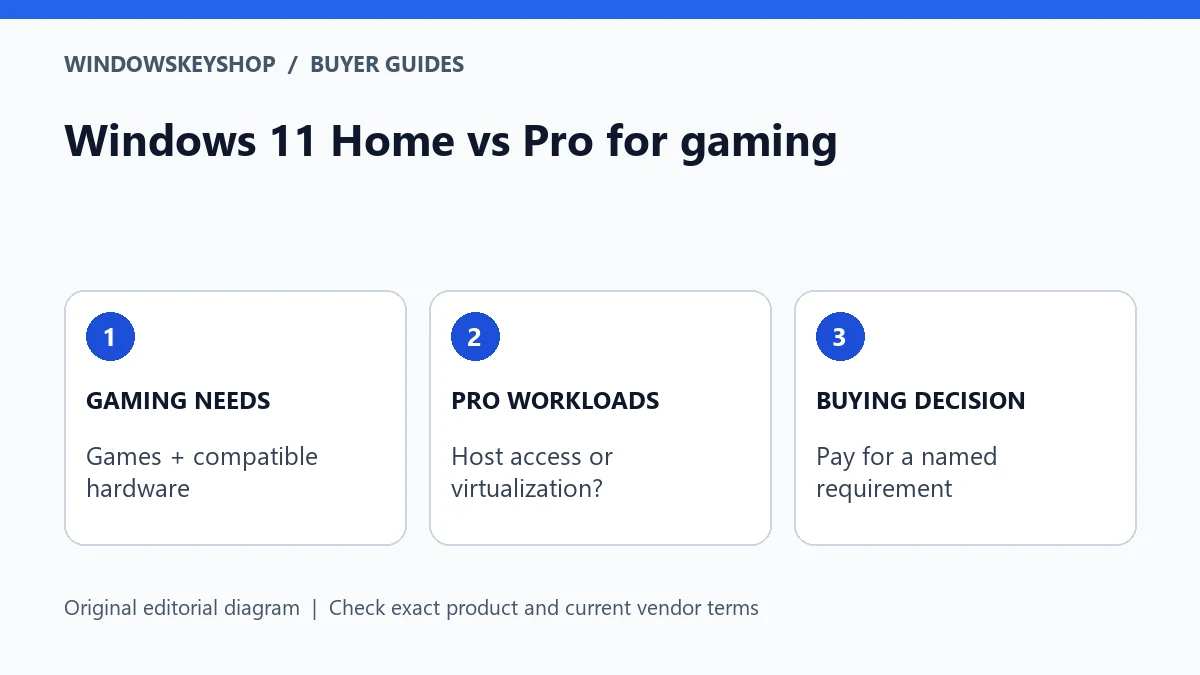
Windows 11 Home vs Pro for gaming is mainly a feature-and-budget decision, not a guaranteed frame-rate upgrade. Choose Pro when you also need a specific Pro capability, such as Remote Desktop hosting or the full Hyper-V role. For a gaming-only PC, first check hardware, game compatibility and the license you already own.

Office 2024 offline use: local work, installation and disconnected deployment checks

Office 2024 Offline Use: 7 Checks Before You Buy

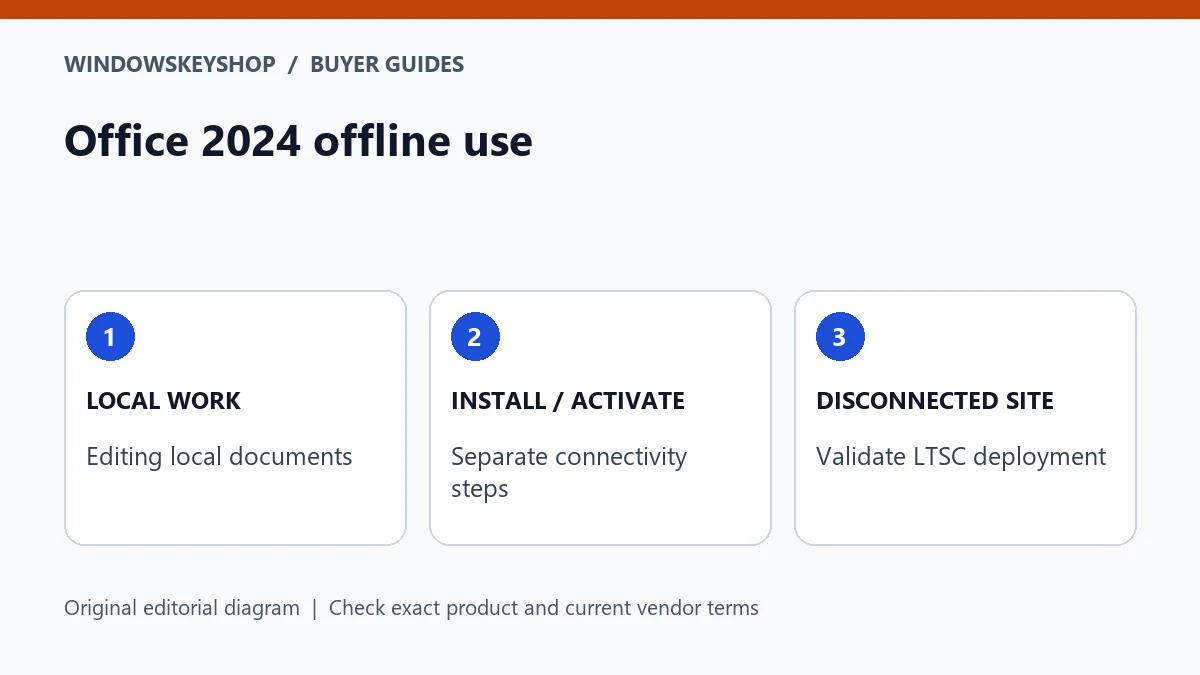
Office 2024 offline use is not the same as a permanently disconnected installation. Microsoft’s current FAQ says consumer Office 2024 requires internet for activation, periodic activation maintenance and updates. Local document work can be different from online services. For a fully disconnected commercial environment, evaluate the appropriate LTSC deployment and licensing requirements instead of assuming any one-time-purchase key is sufficient.

Windows 11 Pro Hyper-V: supported edition, hardware readiness and guest license checks

Windows 11 Pro Hyper-V: 7 Requirements Before You Buy

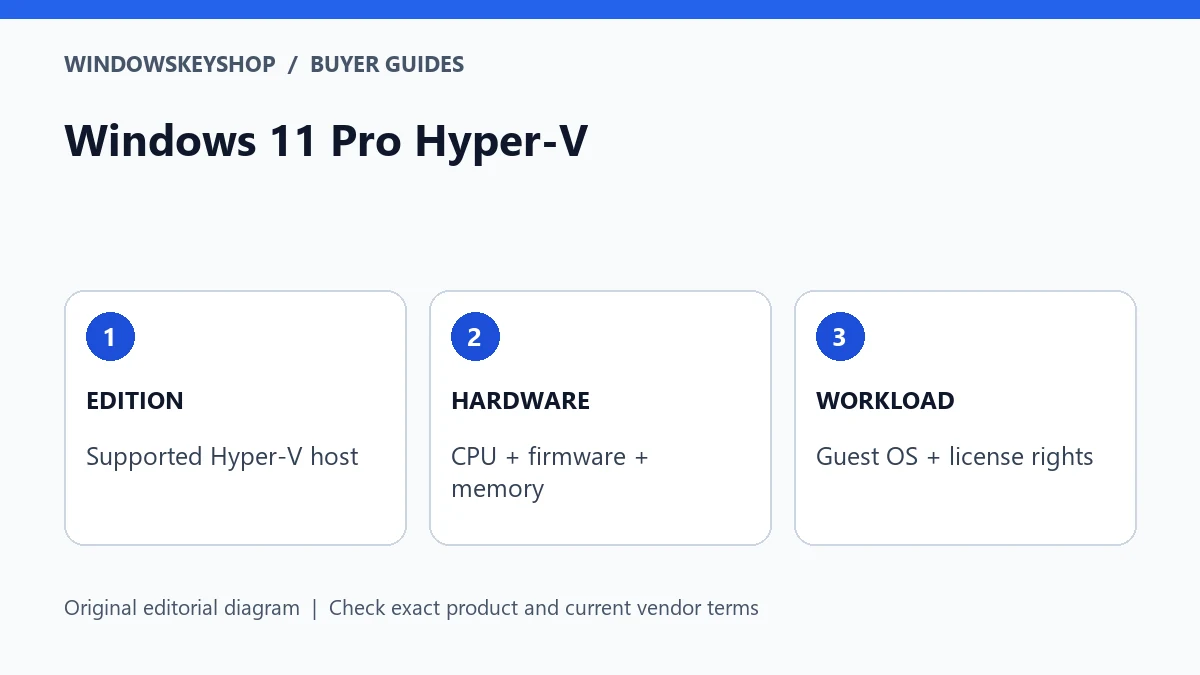
Windows 11 Pro Hyper-V requires a supported Windows edition and compatible hardware; buying a Pro key alone is not enough. Verify processor virtualization support, firmware settings and usable memory. Also distinguish a full virtual-machine management requirement from WSL, and check the operating-system rights for every guest you plan to run.

Windows 11 Pro N vs Pro: identify the edition, check media needs and match the license

Windows 11 Pro N vs Pro: 7 Checks for the Right Key

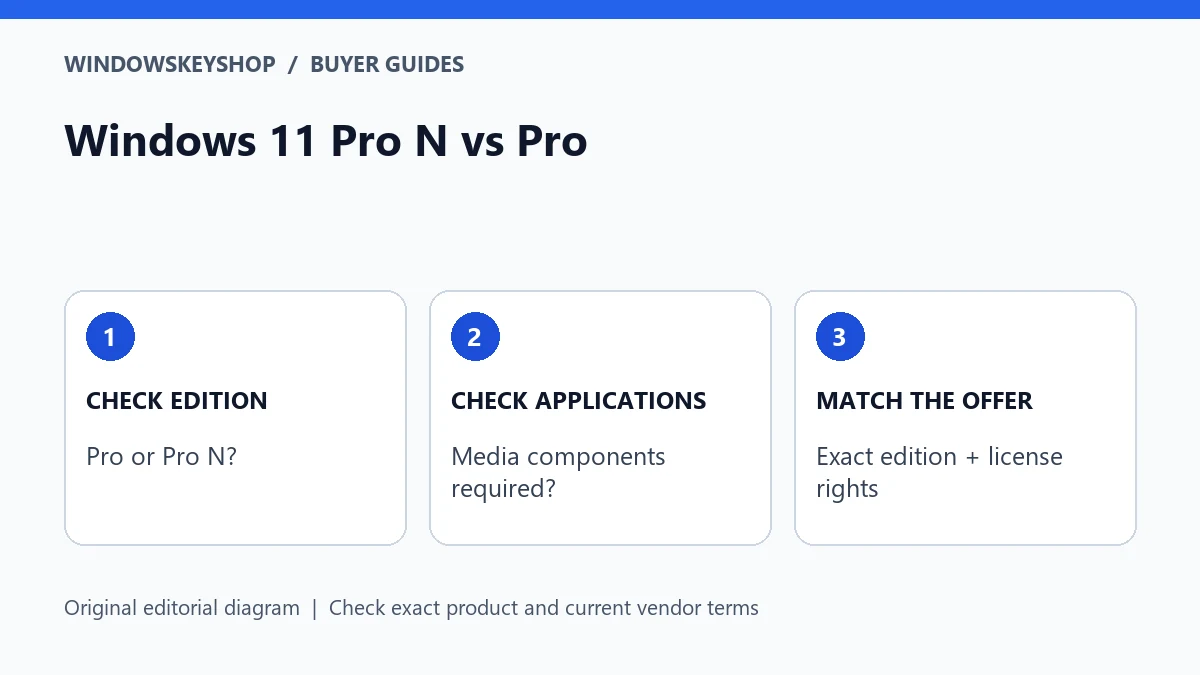
Windows 11 Pro N vs Pro matters when choosing installation media, an activation key and media-dependent applications. N editions omit specified media technologies. Microsoft’s Media Feature Pack can add components to a supported N installation, but it is not evidence that a normal Pro key matches Pro N or that your license edition has changed.

Windows 11 Enterprise to Pro: ownership, underlying entitlement and supported deployment checks

Windows 11 Enterprise to Pro: 7 Safe Downgrade Checks

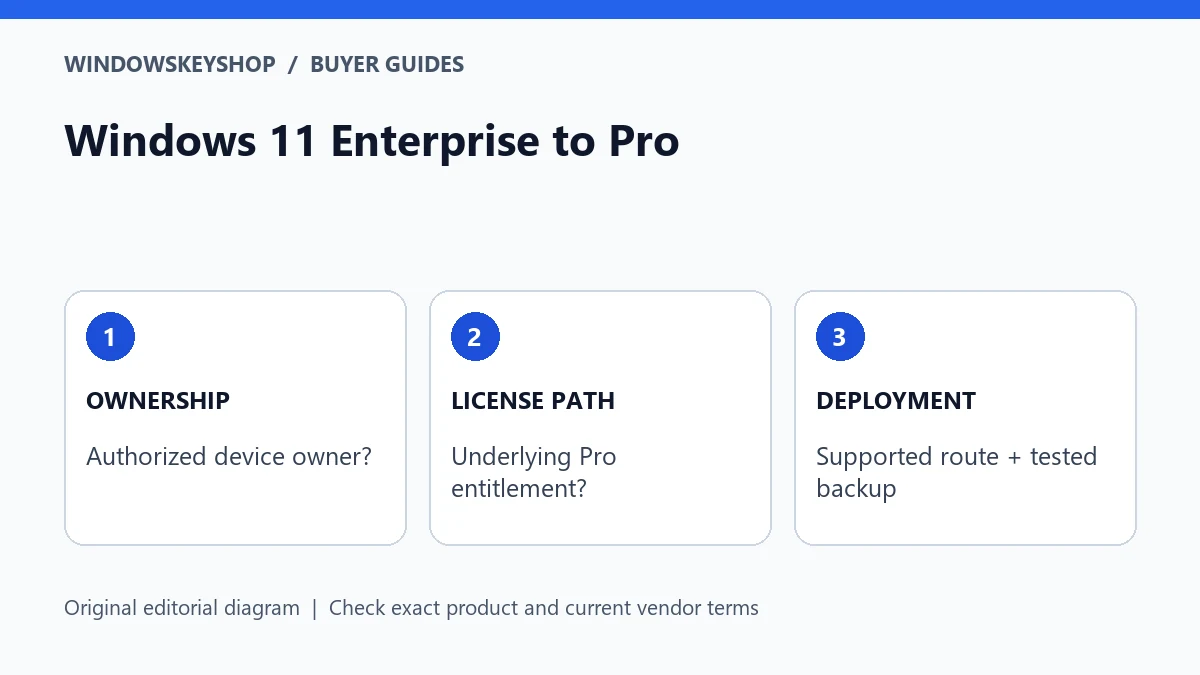
Windows 11 Enterprise to Pro is not a universal key-swap procedure. The supported route depends on the installed edition, how Enterprise was licensed and whether the device has an eligible underlying Pro license. Enterprise LTSC is a separate case. Confirm ownership, management status, backups and the applicable Microsoft path before buying a replacement key.

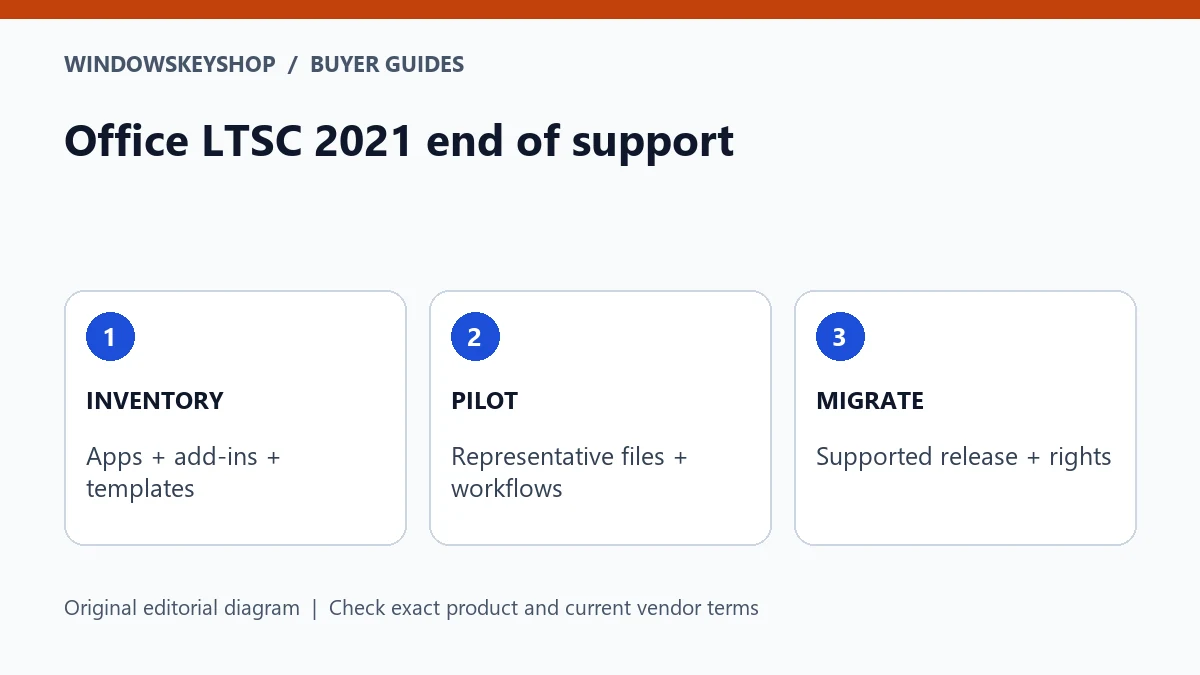
Office LTSC 2021 end of support: inventory, pilot and supported upgrade decision

Office LTSC 2021 End of Support: 7 Upgrade Checks

Office LTSC 2021 end of support has arrived as of October 2026. Microsoft’s end-of-support announcement specifies October 13, 2026. Do not confuse continuing to open documents with receiving ongoing security maintenance. Inventory your applications and integrations, then choose a supported upgrade route such as appropriately licensed Office LTSC 2024 or a suitable Microsoft 365 plan.

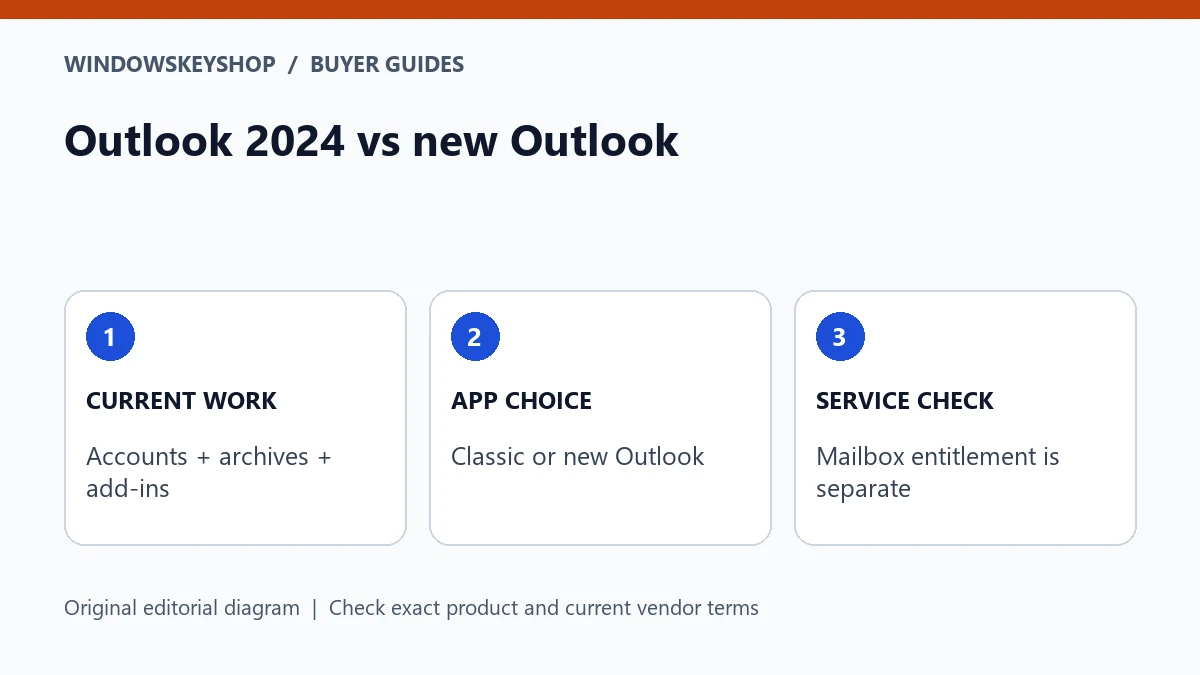
Outlook 2024 vs new Outlook: workflow requirements, app choice and mailbox service checks

Outlook 2024 vs New Outlook: 7 Checks Before You Buy

Outlook 2024 vs new Outlook is a workflow comparison, not simply old versus new. Classic Outlook and new Outlook for Windows have different capabilities and migration considerations. Check your accounts, add-ins, archives and offline needs against Microsoft’s current feature table. Buying a desktop app or Office suite does not automatically include a hosted business mailbox.

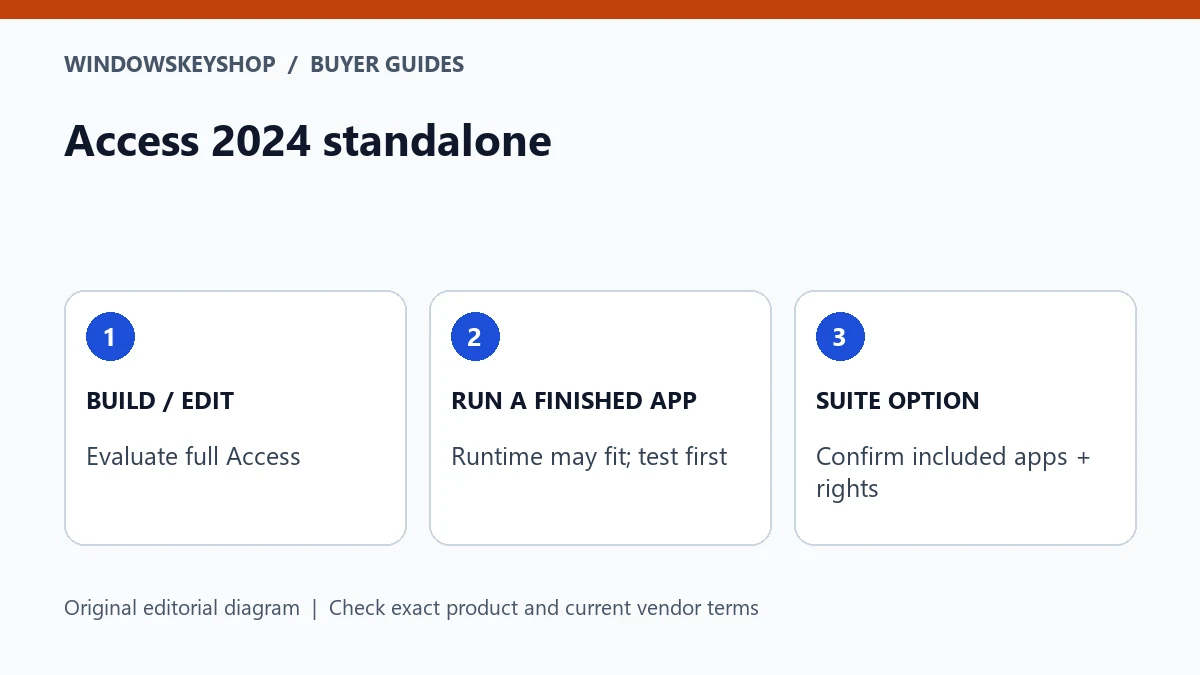
Access 2024 standalone: full application, Runtime and eligible suite choices

Access 2024 Standalone: 7 Checks Before Buying a Suite

Access 2024 standalone is a real purchase option described by Microsoft; it is not available only inside a suite. Full Access and Access Runtime serve different needs, and Access is a Windows application. Compare database authoring, existing Office compatibility and exact license rights before choosing standalone Access, an eligible suite or Runtime for a finished application.

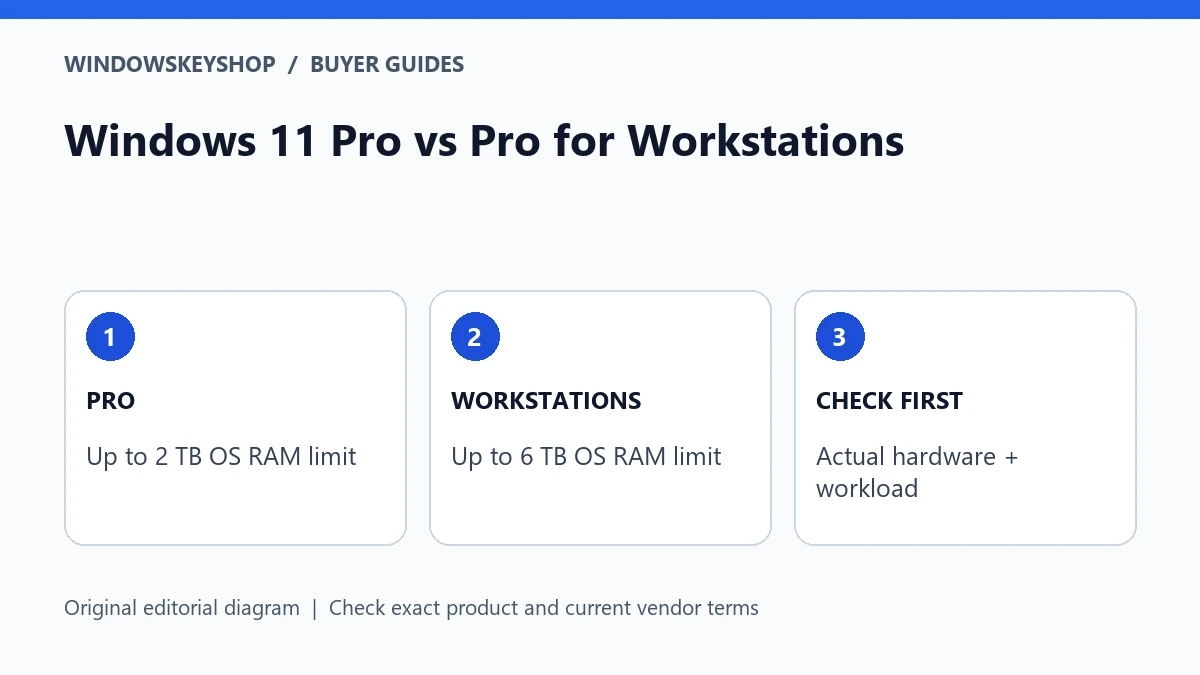
Windows 11 Pro vs Pro for Workstations: 2 TB and 6 TB RAM ceilings with hardware checks

Windows 11 Pro vs Pro for Workstations: 6 Checks

Windows 11 Pro vs Pro for Workstations is a specialist hardware-and-workload decision. Microsoft’s published Windows 11 memory ceilings are 2 TB for Pro and 6 TB for Pro for Workstations. Workstation capabilities such as SMB Direct also depend on compatible hardware. The higher edition is not an automatic speed upgrade for an ordinary desktop.

Free instant shipping

Fast digital delivery by email.

30-day key guarantee

Non-working keys only: replacement or refund. View terms.

Official Download Links

Software download guidance included with your order.

100% Secure Checkout

PayPal / MasterCard / Visa