


Quick answer
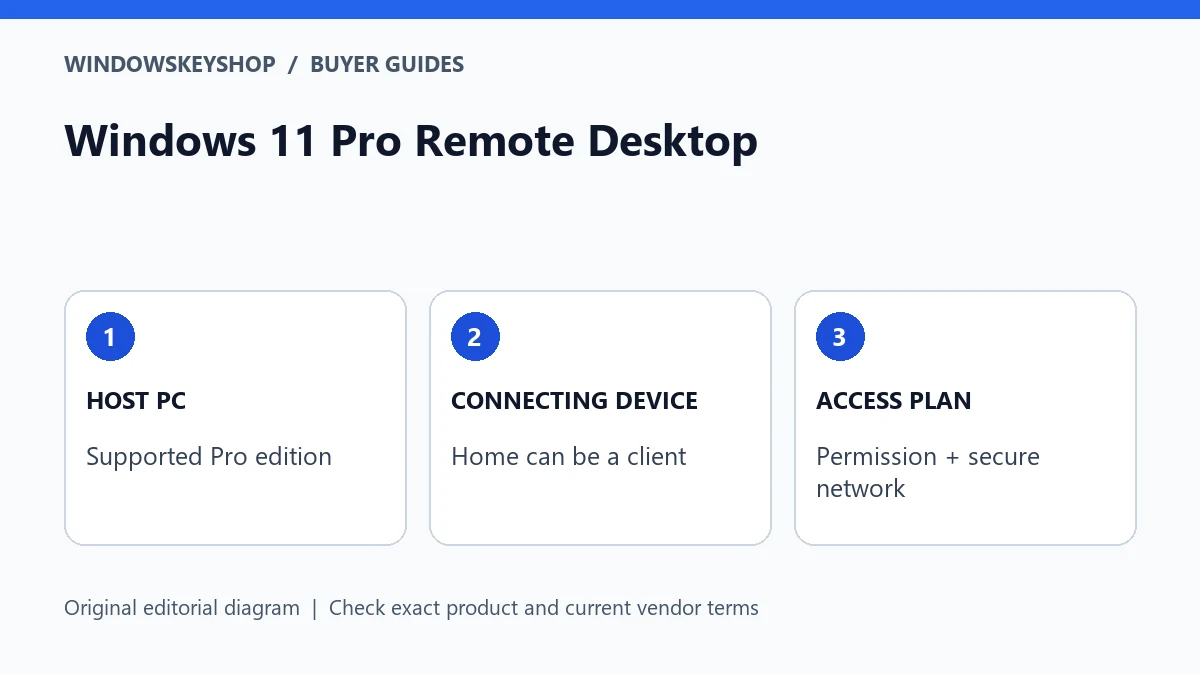
Windows 11 Pro Remote Desktop can let another device connect to your Pro PC. The PC receiving the connection needs a supported host edition; a Windows Home PC can be a client. Do not buy a second Pro upgrade just because you want to connect from it. Check the host, network access, account permissions and license separately.
Which computer needs Windows 11 Pro?
Think about the direction of the connection. The host is the computer whose desktop you want to control. The client is the laptop, tablet or other device in your hands. These roles matter more than where the computers are located. A home office PC can be the host even when you reach it from a business laptop.
Microsoft's Remote Desktop guidance says that Windows Professional can receive these connections, while Home can connect to a supported host. That distinction creates a useful buying rule: inspect the remote computer before spending money on the local one. An upgrade on the wrong device will not add the missing host capability where you need it.
If someone has already enabled remote access at work, ask the administrator which client and access route to use. Do not assume a personal product key changes an organization's access policy. A managed PC may have technical capability but still be unavailable to you for security or licensing reasons.
Seven checks to complete before ordering an upgrade
- Record the edition on the intended host in Settings > System > About. Write down Home, Pro or the complete edition name, including any N suffix.
- Identify who owns and manages the host. Obtain permission before changing an employer's or client's computer.
- Confirm the intended host is powered on, connected and configured not to sleep during the access window.
- Check the account you will use and whether it has permission to sign in remotely. Do not share administrator credentials to solve a permissions problem.
- Decide how you will reach the host safely. A business-managed access service or properly configured VPN is a different choice from exposing a port on a router.
- Check the exact license offer: device count, edition, activation method and any existing Windows prerequisite.
- Plan a local recovery method. Keep access to the machine or a trusted helper available while testing a new configuration.
Treat this as an acceptance checklist, not a shopping list. A failed network check is not evidence that a key is defective. A missing host feature is not evidence that your router is broken. Separating those causes prevents buying products that do not address the real obstacle.
Host, client and access service are separate purchases
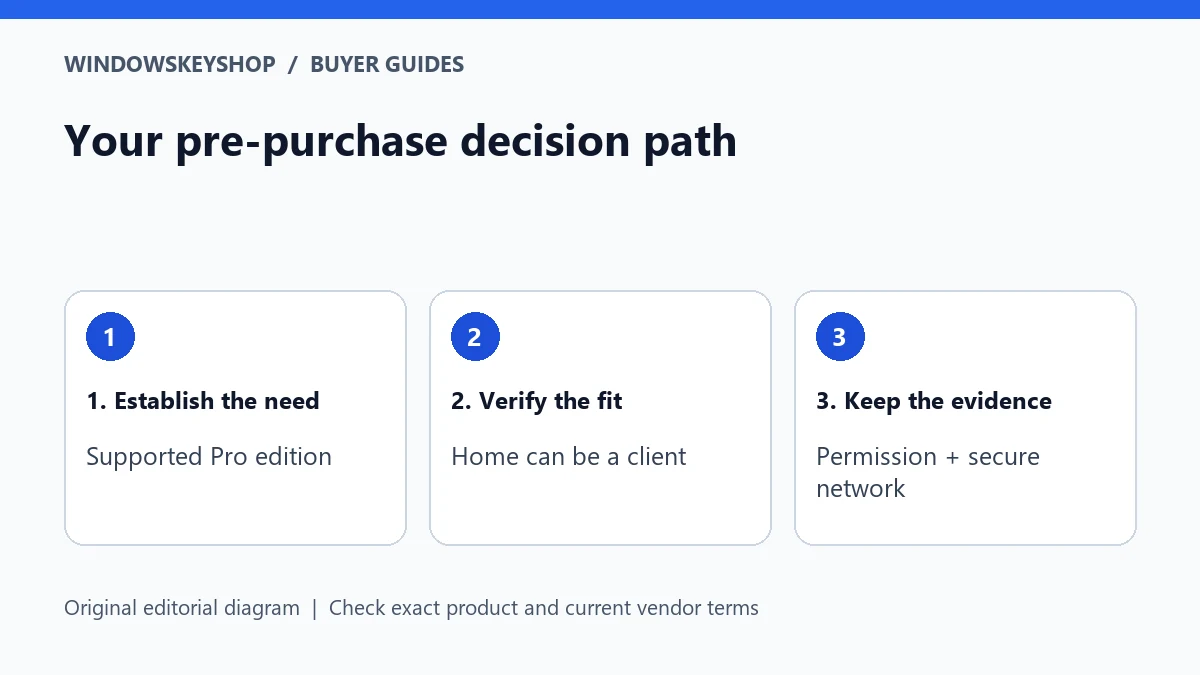
A Windows upgrade supplies edition rights and features according to its terms. It is not automatically a VPN subscription, a remote-support contract or a cloud-hosted desktop. Likewise, a remote-support application may have its own commercial terms even if it runs on Home. Compare the complete setup rather than the price of one key.
Remote Desktop to a personal workstation is also not the same planning problem as running a shared Windows Server desktop service. If several staff members need separate concurrent sessions, stop and ask an administrator to design the environment. Do not infer server access rights or unlimited users from a desktop Pro license.
For an individual buyer, the useful question is narrow: 'Which missing capability am I paying to add to this particular PC?' If the answer is receiving an incoming Remote Desktop connection, Pro may be relevant. If the answer is simply helping a relative once, evaluate a suitable support tool and its permission model before buying an operating-system upgrade.
A practical two-device example
Consider a self-employed designer with a Windows Home laptop and a Windows Home tower in the studio. The designer wants to control the tower while travelling. In this example, the tower is the intended host. Upgrading only the laptop would leave the tower without the built-in Pro host capability. The designer should first evaluate the tower's edition and the safe access route.
Now change the facts: the studio tower already runs Pro and the designer only needs a client on the laptop. There may be no edition-related purchase to make on the laptop. This is why an article promising 'Pro on every computer for remote work' would oversell the requirement.
Neither example is a tested performance claim or a personalized network design. It is a role-based worksheet. Substitute your own devices, owner permissions and connection service before deciding. If the host belongs to a company, its IT policy takes precedence over this consumer buying example.
Troubleshooting without buying another key
Work from local facts outward. Verify the host edition, then whether Remote Desktop is enabled and the intended account is allowed. Confirm the host is awake and reachable through the approved network path. Note the actual error rather than changing several settings at once.
Use a small test matrix: local sign-in succeeds or fails; approved network access succeeds or fails; remote sign-in succeeds or fails. This gives support a useful description. Never post a screenshot containing passwords, public IP details or a full product key in a public forum.
Do not disable your firewall, turn off network-level authentication or forward Remote Desktop directly to the public internet simply to make a test pass. If your network requires unfamiliar router changes, get qualified help. An operating-system purchase should not become an excuse to weaken the computer's security.
Purchase evidence and a safe handover
Before payment, save the complete offer and ask whether the license is appropriate for the intended host and current edition. Keep a private record of the invoice, seller response and installation instructions. Successful activation alone does not establish every license right. Avoid any offer that requires an unrelated organization's activation server or unexplained scripts.
After setup, give the everyday user a short handover: which machine is the host, the approved connection method, who can authorize access and how to report a failure. Do not put credentials in that document. If a temporary helper received access, remove it when the work is complete through the normal account-management process.
Review this setup when you replace the host, change internet service or move to employer-managed equipment. A setup that once worked does not prove a new license is transferable or that a new network has the same protection. Recheck the specific change before ordering another key.
Your decision worksheet
Use this original planning worksheet to turn the comparison into a documented decision. It is an illustrative tool, not a certification of a particular device, application or license.
- List each computer by role: receiving host or connecting client. Add its current edition, owner and the person who can approve changes. This one-page inventory is more valuable than a list of product names because it ties the purchase to the actual missing capability.
- Write the access requirement in one sentence: who must connect, to which machine, from which approved location and for what job. If the requirement includes simultaneous separate desktops for several people, obtain specialist advice before treating a Pro key as the solution.
- Set a pass criterion before changing anything. For example, the authorized user can connect through the approved service, reopen the intended application and sign out without leaving another person's session exposed. Keep the criterion free of passwords and private connection details.
- Keep a rollback contact and a local access window. Test when the host is not needed for a deadline. If the change fails, restore the previous approved configuration rather than trying random internet fixes. Record which check failed so seller support and network support receive different, relevant questions.
Frequently asked questions
Do both PCs need Pro for Remote Desktop?
Not just because one connects to the other. Check the edition on the host receiving the connection. Home can be a client. Other licensing and organizational requirements can still apply.
Will a Pro key fix an unreachable PC?
Only if the missing supported host edition is the cause. Sleeping hardware, permissions or the network path need their own diagnosis.
Does Pro include a secure internet connection service?
Do not assume so. Choose and configure the approved access route separately; avoid exposing the host directly to the internet.
Should I buy Pro for a company computer myself?
Ask the owner or administrator first. Personal purchases do not authorize changes to managed equipment or override business access policy.
Choose the product only after these checks
Need a Windows license for a documented requirement? Compare the exact edition and terms in our Windows catalog. Do not substitute standard Pro for Pro N, Enterprise or Pro for Workstations without verifying fit.
Compare Windows license options
Unsure about fit? Ask WindowsKeyShop before purchase and keep the written answer with your invoice. The store’s stated 30-day guarantee concerns non-working keys under its published policies; it is not a general change-of-mind promise and does not override mandatory consumer rights.
Related guides
Sources and verification notes
Primary vendor documentation checked for this draft on 19 October 2026. Requirements and availability can change. The scenarios and worksheets are original editorial examples, not claims of customer testing.