


Quick answer
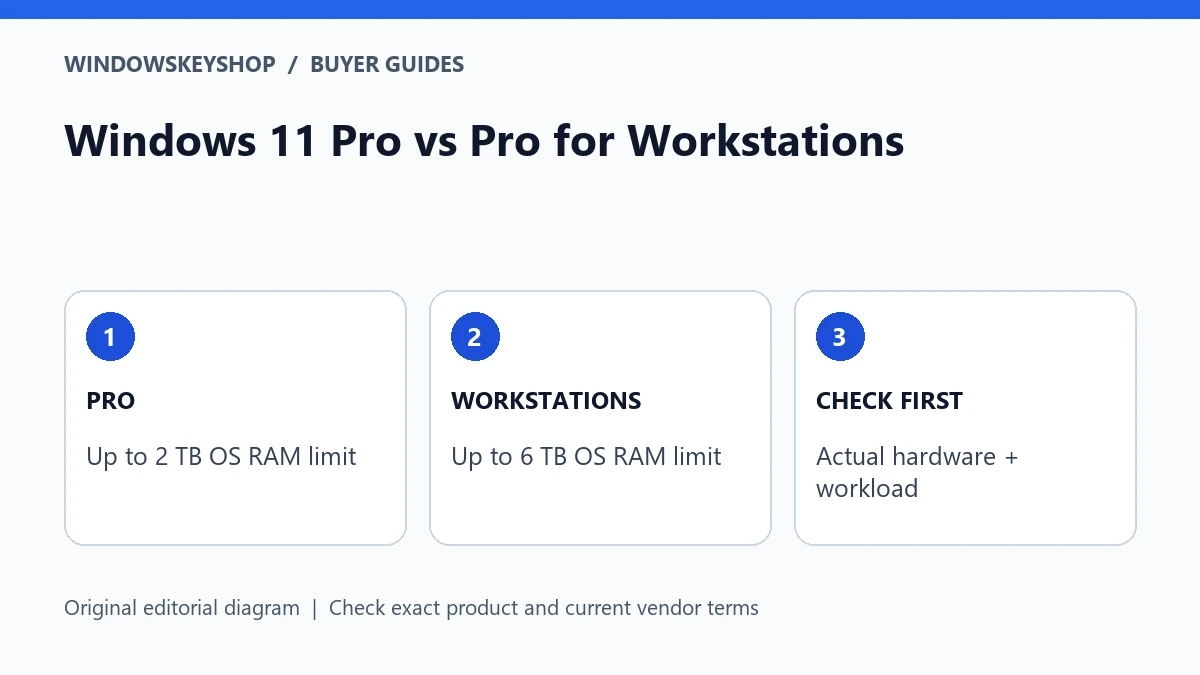
Windows 11 Pro vs Pro for Workstations is a specialist hardware-and-workload decision. Microsoft's published Windows 11 memory ceilings are 2 TB for Pro and 6 TB for Pro for Workstations. Workstation capabilities such as SMB Direct also depend on compatible hardware. The higher edition is not an automatic speed upgrade for an ordinary desktop.
Windows 11 Pro vs Pro for Workstations: what changes?
A computer described as a workstation may already meet its owner's needs with Pro. The word can describe the machine's purpose rather than a required Windows edition. Start with the application vendor's requirements, the hardware specification and the job you need to complete.
Microsoft positions Pro for Workstations around demanding configurations and specialized capabilities. That does not mean every creative, engineering or office application needs it. A product name is not evidence of a measured improvement in your workflow.
The sensible buying question is: 'Which limit or capability in standard Pro prevents this exact system from doing its job?' If the answer is unknown, collect evidence before upgrading. This guide provides a decision framework, not hands-on performance benchmarks or a promise that a higher edition accelerates all software.
Six checks before choosing the higher edition
- Compare your installed and planned RAM with Microsoft's operating-system limits and the motherboard's actual capacity.
- Identify any specific workstation feature your application or infrastructure requires.
- Confirm compatible hardware, drivers and network equipment for that feature.
- Check your application vendor's supported operating-system editions and deployment terms.
- Verify the exact license offer and whether it is an upgrade or a full entitlement for your device.
- Define the test that would show the upgrade solved a real problem.
The most important word here is actual. A maximum advertised by an operating system is not memory already present in your computer. A feature listed on a product page is not proof that your network adapter supports it. Match every claimed benefit to evidence in your own configuration.
RAM limits: useful ceilings, not performance scores
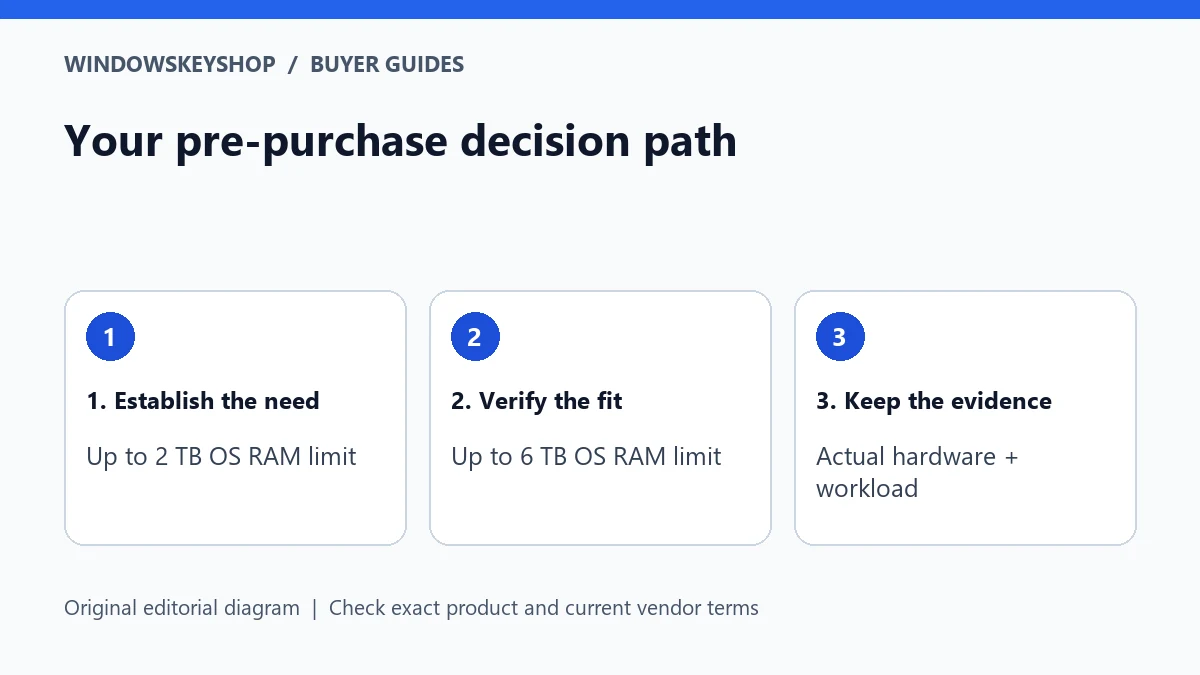
Microsoft's memory-limit table lists 2 TB for Windows 11 Pro and 6 TB for Pro for Workstations. These are operating-system ceilings. The usable configuration is also constrained by the processor, motherboard, firmware and installed memory.
For a buyer whose workload fits well within standard Pro's limits, the higher ceiling alone may have no practical value. For a genuinely memory-intensive configuration approaching an edition limit, it becomes a meaningful planning constraint. Distinguish those situations before comparing prices.
Do not infer application scalability from an operating-system ceiling. A program may have its own limitations, licensing terms or recommended configuration. Ask the application vendor which bottleneck the larger memory configuration would solve, and check whether the workload can use it effectively.
SMB Direct and specialist features need a complete system
Microsoft's workstation product material describes capabilities including SMB Direct with RDMA-capable networking and support aimed at demanding storage and memory scenarios. Read those descriptions as a hardware-and-software combination, not a switch that improves every network connection.
If your proposed benefit involves file transfer, document the full path: workstation, adapter, driver, network and destination. A missing component anywhere in that path can make an edition-only purchase irrelevant. Have the infrastructure owner validate the configuration before you spend money on the assumption that a feature will work.
Similarly, do not change storage formats or rebuild volumes simply because a higher edition mentions a technology. Important data needs a migration and recovery plan. Obtain application and administrator guidance before making changes that could affect compatibility or recovery.
Three buyer scenarios
A photographer with a normal single-user editing PC should first investigate application requirements and the actual bottleneck: memory pressure, storage speed, GPU capability or workflow organization. A higher Windows label alone is not a diagnosis.
An engineering team planning a very large memory configuration should compare the complete hardware and application requirements against the edition's limits. If standard Pro would be the binding limit, an appropriate higher edition may belong in the build specification.
A business buying an RDMA-based file workflow should have its infrastructure specialist verify all required components and support terms. Its decision is different from that of an ordinary laptop user. These are illustrative planning cases, not statements that every member of an industry needs the same edition.
A small proof-of-fit worksheet
Write the intended benefit in measurable terms. 'Open the representative project within the agreed workflow' is more useful than 'make the workstation professional.' Identify the current constraint and how you observed it, then list the hardware or software change expected to remove it.
Choose a representative file, task and operating conditions before testing. Keep a record of software versions and configuration changes. If the edition upgrade is only one part of a new hardware build, do not attribute the entire improvement to Windows.
Decide what result would disprove the purchase rationale. If the application cannot use the additional capability, the limit was not reached or required hardware is missing, pause the edition change. A credible buying guide must allow the conclusion that standard Pro is already sufficient.
License and procurement questions
Request the exact product name, device allowance, activation method and evidence of the rights being sold. Pro and Pro for Workstations are distinct editions; a standard Pro listing should not be represented as a Workstations product because both contain the word Pro.
For a business build, retain the approved specification, purchase record and the person responsible for future reinstalls. If a supplier changes the configuration, recheck the edition decision. A lower price is not a substitute for the right entitlement and supportable hardware.
If WindowsKeyShop's current catalog does not contain the required workstation edition, do not substitute a standard Pro key as though it were equivalent. Use the catalog only for a product that matches the written requirement, and obtain a suitable specialist offer elsewhere when necessary.
Your decision worksheet
Use this original planning worksheet to turn the comparison into a documented decision. It is an illustrative tool, not a certification of a particular device, application or license.
- Make a constraint record with four entries: the task, the observed limitation, the proposed capability and the evidence connecting them. Do not put a product name in the evidence column. A supplier's feature list must still be matched to your workload and supported hardware.
- Ask the hardware supplier for the exact configured specification, not just the family name of the workstation. Save memory capacity, adapter details and supported operating-system information. If the supplied hardware differs from the quote, revalidate the capability before accepting the system into production.
- Choose a representative project and record a baseline with the current supported setup. Keep the file, application version and working conditions consistent where practical. If a new computer also changes processor, storage and memory, label the result a whole-system comparison rather than an edition benchmark.
- Assign an owner for the final decision. That person should know why the edition was selected, where the entitlement evidence is stored and which change would require a review. Revisit the decision when a workload moves to a different machine, not merely because another edition has a more impressive name.
Frequently asked questions
Does Pro for Workstations improve gaming FPS?
This guide makes no such benchmark claim. Choose it for a documented capability or hardware requirement, not the assumption that its name means faster games.
Does the 6 TB limit mean my PC supports 6 TB?
No. It is an operating-system ceiling. Your processor, motherboard, firmware, installed memory and applications impose additional constraints.
Will SMB Direct work with any network adapter?
No. Microsoft's workstation guidance specifies RDMA-capable networking. Validate the complete supported setup rather than buying an edition first.
Can I buy a standard Pro key instead?
Only when standard Pro meets the actual requirement and the offer is appropriate for your device. The two editions should not be treated as interchangeable.
Choose the product only after these checks
Need a Windows license for a documented requirement? Compare the exact edition and terms in our Windows catalog. Do not substitute standard Pro for Pro N, Enterprise or Pro for Workstations without verifying fit.
Compare Windows license options
Unsure about fit? Ask WindowsKeyShop before purchase and keep the written answer with your invoice. The store’s stated 30-day guarantee concerns non-working keys under its published policies; it is not a general change-of-mind promise and does not override mandatory consumer rights.
Related guides
Sources and verification notes
Primary vendor documentation checked for this draft on 19 October 2026. Requirements and availability can change. The scenarios and worksheets are original editorial examples, not claims of customer testing.