


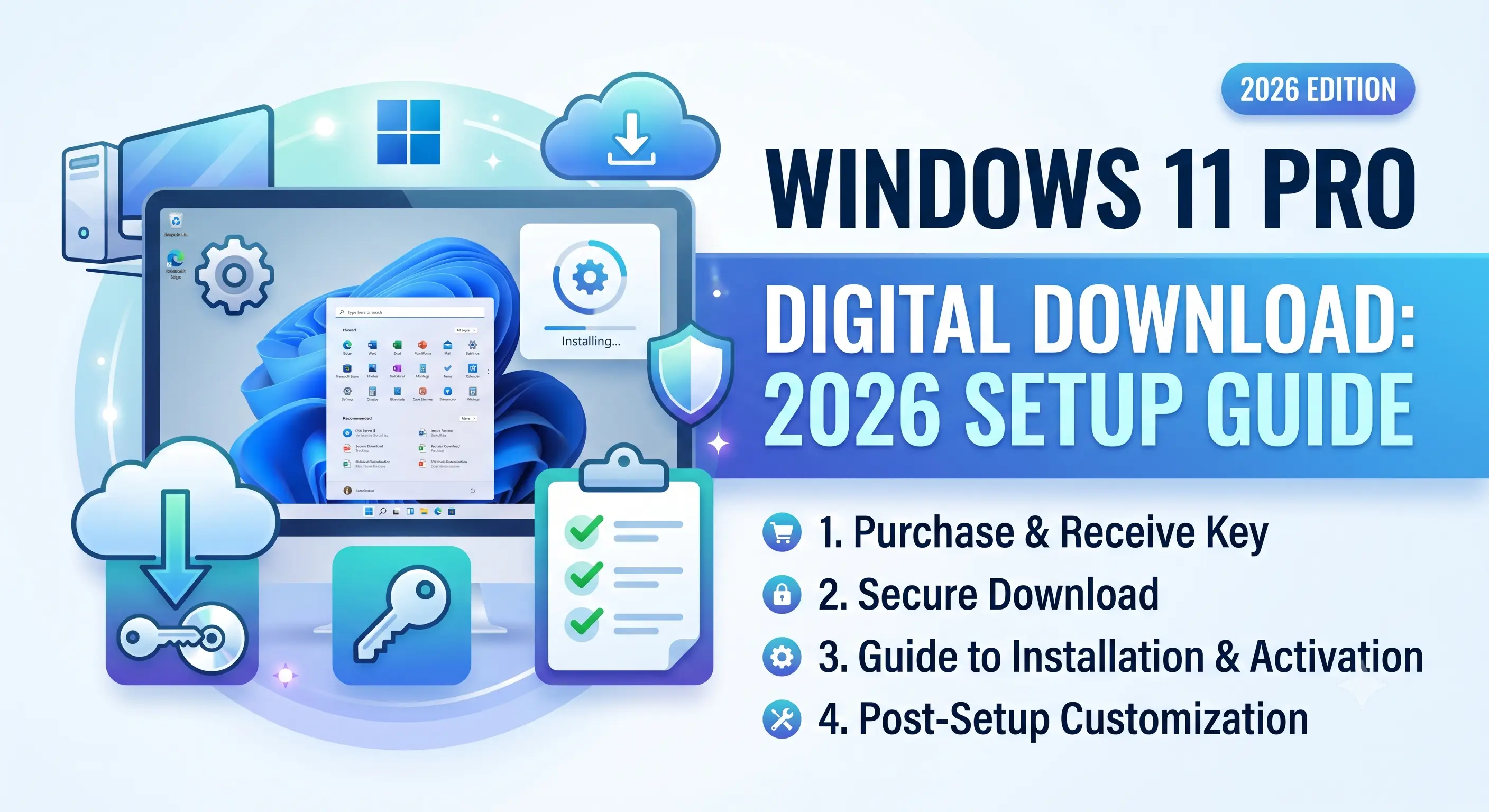
What a Windows 11 Pro Digital Download Actually Includes
A digital download license is not a pirated or cracked copy — it is a legitimately issued product key tied to Microsoft’s activation servers, paired with a direct link to the official Microsoft-hosted ISO. When you buy a Windows 11 Pro digital download, you receive two components: the 25-character alphanumeric key and installation media instructions. No physical box, no USB drive, no shipping wait.
This distribution method has become the default for both retail and volume licensing because Microsoft phased out boxed retail copies in most markets years ago. The key itself determines whether your installation unlocks Pro-tier features like BitLocker drive encryption, Hyper-V virtualization, Remote Desktop host access, and Group Policy management — none of which are available on Windows 11 Home.
Retail vs. OEM vs. Volume License: Which Digital Key Do You Need
Not all Windows 11 Pro keys behave the same after purchase. The distinction matters most when you plan to upgrade hardware, reinstall the OS, or transfer the license to a new machine.
| License Type | Transferable | Activation Method | Best For | Support Lifetime |
|---|---|---|---|---|
| Retail Digital | Yes, one active PC at a time | Key entry + Microsoft account link | Users who upgrade PCs every 2-4 years | Full product lifecycle |
| OEM | No, locked to first motherboard | BIOS/firmware embedded or key entry | Single-build desktops, budget setups | Full product lifecycle |
| Volume License (KMS) | Org-managed, not individually transferable | Enterprise activation server | IT departments, 5+ device deployments | Contract-dependent |
For most home users and freelancers, a Retail digital key is the correct choice — it’s the only tier that lets you move your Windows 11 Pro license to a new PC later without repurchasing. WindowsKeyShop stocks genuine Retail digital keys specifically because OEM restrictions catch buyers off guard during hardware upgrades.
System Requirements for the Current Windows 11 Pro Build
Before purchasing, confirm your hardware clears Microsoft’s baseline. These requirements are strictly enforced at installation — TPM 2.0 in particular blocks setup entirely on unsupported boards without a firmware workaround.
| Component | Minimum Requirement |
|---|---|
| Processor | 1 GHz, 2+ cores, 64-bit compatible |
| RAM | 4 GB |
| Storage | 64 GB or larger |
| System Firmware | UEFI, Secure Boot capable |
| TPM | Version 2.0 |
| Graphics | DirectX 12 compatible, WDDM 2.x driver |
Step-by-Step: Activating Your Digital Download
Once you receive your key, activation on an existing Windows installation takes under five minutes:
- Open Settings > System > Activation
- Select Change product key
- Enter the 25-character key exactly as delivered
- Allow Windows to contact Microsoft’s activation servers
- Confirm the “Windows is activated with a digital license” message appears
If you’re installing fresh rather than upgrading, download the official ISO directly from Microsoft’s servers first, then enter the key during setup or afterward through the same Activation menu.
Why Key Source Matters More Than Price
The digital key market has a wide price spread, and the cheapest listings are frequently volume license keys resold in violation of Microsoft’s enterprise agreements — these get revoked in bulk without warning, sometimes months after purchase. A genuine Retail key sourced through a vetted reseller avoids this risk entirely.
Browse verified Windows 11 Pro digital keys on WindowsKeyShop for instant email delivery, official Microsoft activation, and support for license transfer questions. Every key ships with installation guidance so setup takes minutes, not hours.
Frequently Asked Questions
Can I upgrade from Windows 11 Home to Pro using a digital key alone?
Yes. Enter the Pro key through the same Activation settings menu — Windows handles the edition upgrade automatically without requiring a full reinstall.
Does a digital download expire?
No. A genuine Retail or OEM key activates permanently once linked to your Microsoft account or hardware ID, with no subscription renewal required.
Is a digital key legal to resell?
Retail keys are transferable under Microsoft’s licensing terms when the original holder uninstalls before transfer. OEM keys are not legally transferable between machines.