


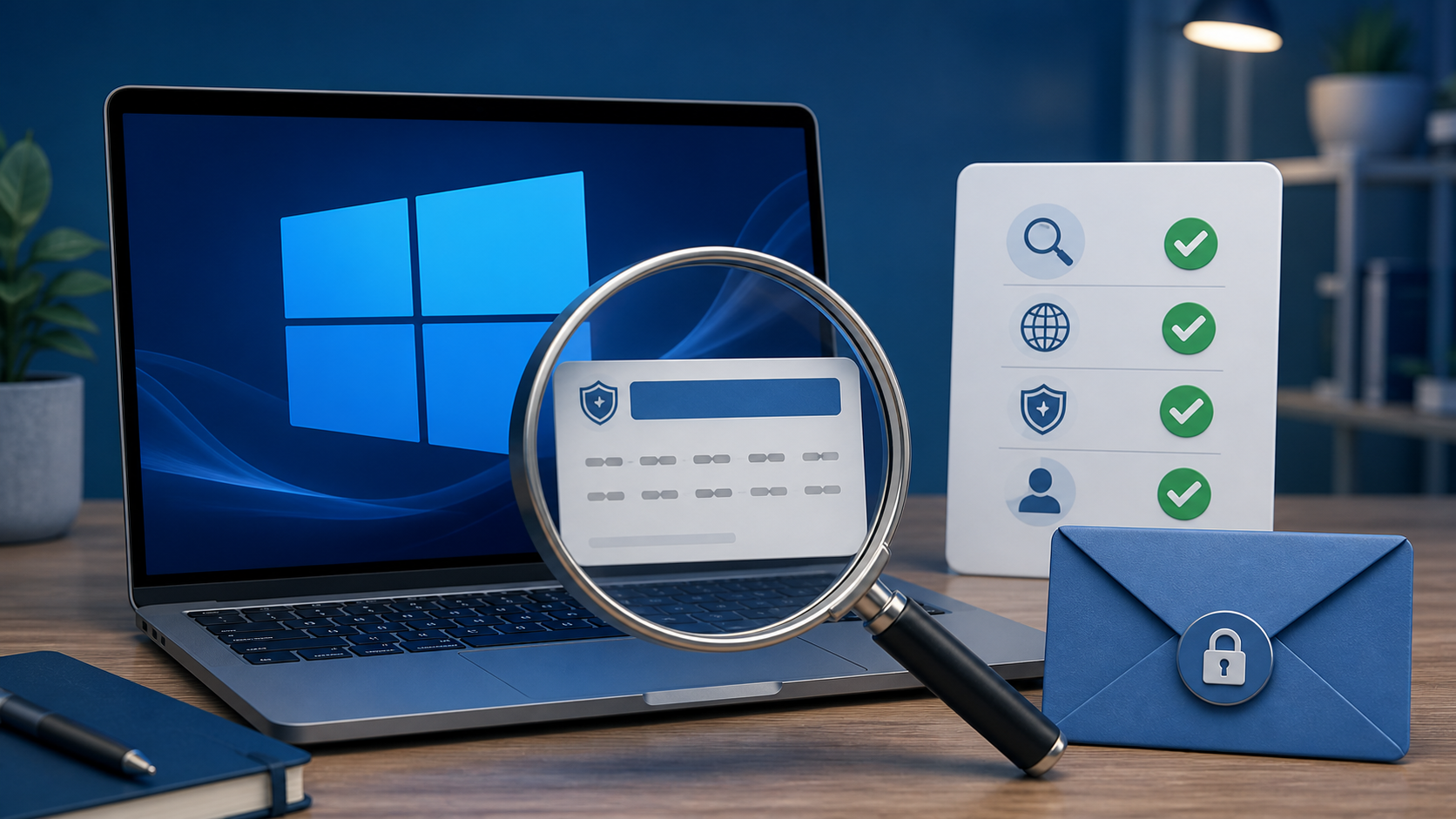
If you need to buy a Windows product key, the safest sources are Microsoft, a PC manufacturer that includes Windows, or a retailer whose business identity, license type, delivery method, and refund process you can verify. A working 25-character key only proves that Windows accepted an activation method for a hardware configuration; Microsoft cautions that activation alone does not establish authenticity.
Understand what you are buying
Microsoft documents two activation methods for Windows 11: a digital license and a 25-character product key. The method depends on how Windows was obtained. A free upgrade from an eligible activated device, or a purchase through the Microsoft Store app, can create a digital license associated with the device and possibly a Microsoft account. A boxed or digital copy from an authorized retailer normally provides a product key in the packaging, confirmation email, or the retailer’s digital locker.
Other channels use different terms. A PC that ships with Windows may store an OEM key in the device firmware. Organizations can have volume-licensing agreements. Developers and testers may receive rights through specific subscriptions. These channels are not interchangeable. A key intended for an organization, refurbisher, developer program, or preinstalled device should not be represented as an unrestricted consumer retail license.
| How Windows is obtained | Typical activation evidence | What the buyer should retain |
|---|---|---|
| Microsoft Store or eligible upgrade | Digital license | Order confirmation and the Microsoft account used |
| Authorized digital retailer | 25-character key, then digital entitlement for the device | Invoice, product description, key-delivery record, and refund terms |
| New PC with Windows included | Firmware/preinstalled key or device license | Device invoice, packaging, and manufacturer support details |
| Refurbished PC | Key or Certificate of Authenticity supplied by the refurbisher | Refurbisher identity, COA information, and device receipt |
How to verify an online Windows-key retailer
A professional-looking storefront is not enough. Perform checks that create a paper trail and reveal whether the seller is willing to describe the offer precisely.
- Identify the legal business. Look for a business name, country, service email, working support channel, privacy notice, terms, and refund policy. The checkout merchant name should make sense in relation to the store.
- Ask for the license channel. The product page should state whether the license is retail, OEM/device-bound, upgrade, or another channel. “Genuine key” without a license type is incomplete.
- Confirm the exact edition. Windows 11 Home and Windows 11 Pro are different. A Home key will not provide Pro features. The order description and delivered key must match.
- Read the transfer and hardware-change terms. Microsoft notes that a significant hardware change, especially a motherboard replacement, can affect activation. Ask what support exists if reactivation is required.
- Review delivery and refund rules before paying. Digital products often have special refund conditions. The policy should explain what evidence is needed for a failed key and how quickly the seller responds.
- Use a payment method with a traceable receipt. Avoid sellers that require irreversible payment while providing no invoice or business identity.
- Check independent history carefully. Look for reviews across time, not only a burst of generic five-star comments. Pay attention to activation failures, replacement delays, mismatched editions, and support responses.
Warning signs that deserve extra scrutiny
- The listing promises every edition, unlimited transfers, or “lifetime activation on any number of PCs” without explaining license terms.
- The price is dramatically below normal retail pricing and the seller will not identify the acquisition channel.
- The checkout, invoice, and delivered product use different company or product names.
- The seller provides only a key, with no invoice, order record, installation source, or support process.
- The instructions ask you to disable security protections, run an unknown activation program, use a remote-control tool, or contact an unrelated activation server.
- The listing implies that successful activation proves licensing legitimacy. Microsoft distinguishes activation from validation and genuine licensing.
- The product page mixes retail, OEM, volume, MAK, or KMS terminology as if the terms mean the same thing.
Check Windows 11 compatibility before buying
A valid license does not make incompatible hardware compatible. Microsoft’s published minimums include a supported 64-bit processor running at 1 GHz or faster with two or more cores, 4 GB of RAM, 64 GB of storage, UEFI firmware with Secure Boot capability, TPM 2.0, DirectX 12-compatible graphics with a WDDM 2.0 driver, and a 720p display larger than nine inches. Windows 11 Home requires internet connectivity and a Microsoft account during initial setup.
Run Microsoft’s PC Health Check or review the manufacturer’s compatibility information before purchasing. Do not rely on bypass methods as a normal buying plan. An unsupported installation can create update, driver, security, and support problems even if setup initially completes.
Choose Home or Pro based on features, not price alone
Home is designed for typical personal use. Pro adds business-oriented management and security capabilities. Before paying for Pro, list the features you actually need—for example domain or organization management, advanced virtualization, remote-management requirements, or business security controls—and compare them with Microsoft’s current edition comparison. Do not buy a Pro key merely because a seller calls it “better.”
Test the support process before you need it
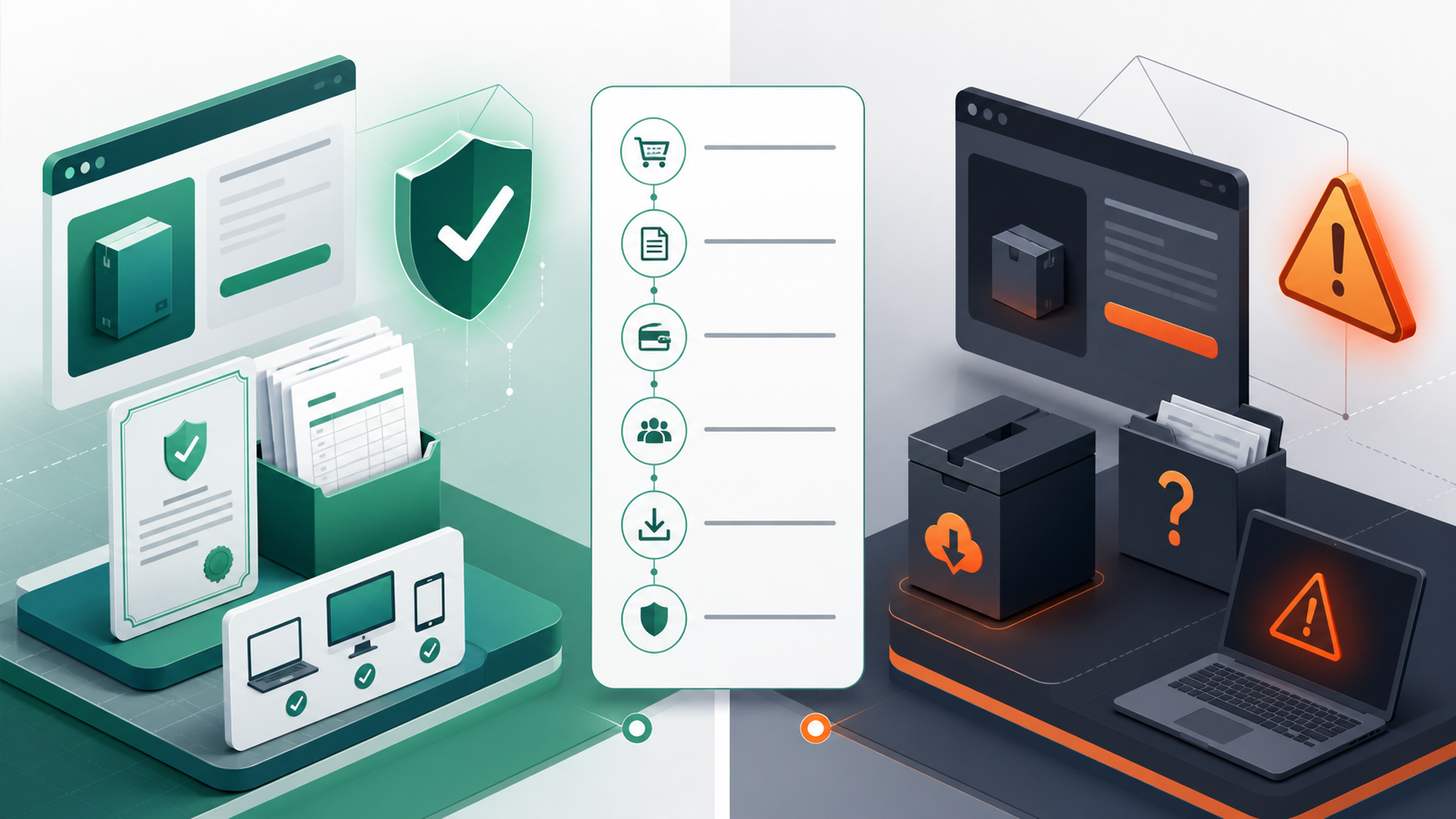
Send the retailer one precise pre-sales question: “Is this license retail or device-bound, how many devices does it cover, and what happens after a motherboard replacement?” A useful answer should address the exact listing and point to written terms. A generic response that only repeats “100% genuine” does not resolve license channel, transferability, or device limits.
Then check whether the promised remedy is workable. Is there a ticket or email address that creates a record? Are support hours and expected response times published? Does the refund policy explain digital-product exceptions, required screenshots, activation-error evidence, and the deadline for reporting a problem? Save the response with the product-page description. If the wording changes after purchase, that record helps establish what was offered.
Price is one signal, not a verdict. Large differences can result from regional restrictions, device-bound rights, older inventory, organizational licensing, unsupported channels, or an offer that is simply misdescribed. The seller should be able to explain the source and limitations without asking you to ignore Microsoft’s normal activation flow. Walk away when the only reassurance is that the key will “activate instantly,” because successful activation and valid consumer licensing are not the same test.
Check the page again immediately before checkout. Confirm that the cart still shows the same edition, license description, device count, currency, tax, delivery method, and support promise. Take a dated screenshot of the final listing and policy. This is especially useful when a comparison ad, marketplace seller, and checkout merchant use different names.
What to do immediately after purchase
- Save the invoice, seller terms, product-page description, delivery email, and order number in one folder.
- Download Windows only from Microsoft or a source Microsoft directs you to use.
- Confirm the installed edition under Settings → System → About before entering the key.
- Activate through Settings → System → Activation. Do not enter the key into a third-party activation utility.
- Check the activation state and run Windows Update.
- If activation fails, capture the exact error code and contact the seller before changing multiple settings. A precise error is more useful than “the key does not work.”
- When appropriate, link the digital license to the Microsoft account used on the device; this can help with the documented activation troubleshooter after eligible hardware changes.
Review the Windows 11 Home product details
Before ordering, verify the license channel, device limit, delivery process, refund terms, Windows 11 hardware compatibility, and whether Home is the edition you need.
Questions buyers ask
Does successful activation prove that a Windows key is genuine?
No. Microsoft states that activation pairs a product key or digital entitlement with a hardware configuration, but activation by itself does not evaluate authenticity. Licensing provenance, channel, seller documentation, and Microsoft’s validation mechanisms also matter.
Can a Windows 11 Home key activate Windows 11 Pro?
No. The installed edition and license must match. If the computer currently runs Pro, a Home key is not the correct purchase. Check the edition before checkout.
What should I do if a digital key fails?
Record the activation error, confirm the installed edition, verify internet connectivity and date/time settings, and contact the seller using the documented order number. Avoid unknown activation tools or instructions that route activation through third-party servers.
Will a key transfer after a motherboard replacement?
Transfer and reactivation depend on the license channel and circumstances. Microsoft provides an activation troubleshooter for eligible digital licenses linked to a Microsoft account, but device-bound licenses can have different rights. Verify the exact terms before purchase.