


Clearing Up the “Office 365 Lifetime” Search Confusion
Many buyers search for an “Office 365 Pro Plus lifetime license,” expecting a one-time purchase version of Microsoft 365. That product does not exist — Microsoft 365 (formerly Office 365) is subscription-only by design, billed monthly or annually, and includes cloud services like 1TB OneDrive storage and continuous feature updates that require an active subscription to function. check here
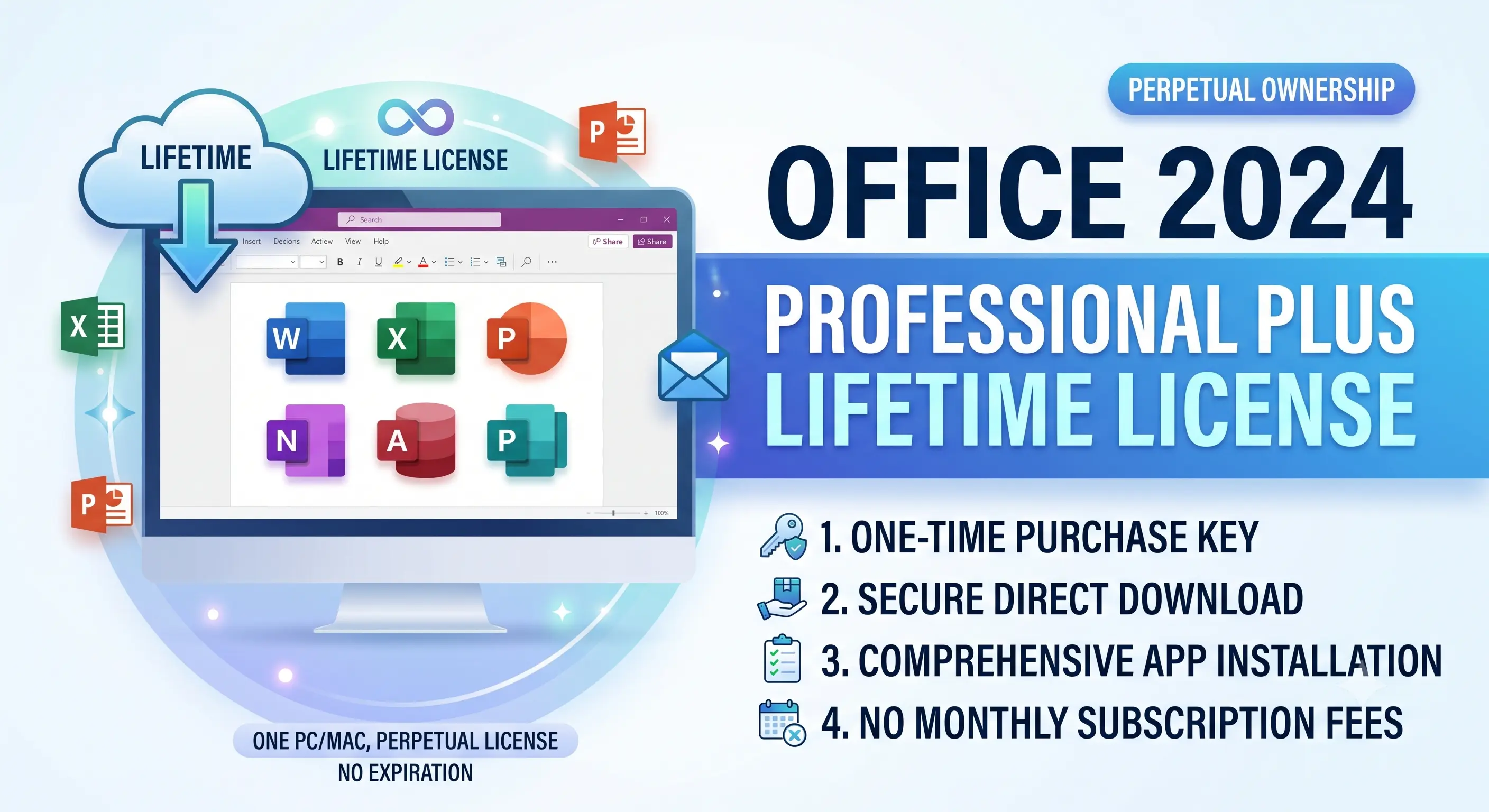
The genuine lifetime alternative is Office 2024 Professional Plus, Microsoft’s perpetual-license suite. It’s a completely separate product line: purchased once, activated permanently, with no renewal date and no cloud storage bundled in. If a lifetime license is what you actually want, this is the correct product to search for and buy.
Office 2024 Professional Plus vs. Microsoft 365: Core Differences
Choosing between the two comes down to how you use the apps — device count, cloud reliance, and whether you need the latest features as they roll out or a stable, fixed feature set.
| Feature | Office 2024 Pro Plus (Lifetime) | Microsoft 365 (Subscription) |
|---|---|---|
| Payment Model | One-time purchase | Monthly or annual recurring |
| Device Activation | 1 PC or Mac | Up to 5 devices (Family/Business tiers) |
| Cloud Storage (OneDrive) | Not included | 1 TB included |
| Feature Updates | Fixed at release, security patches only | Continuous new features |
| Copilot AI Integration | Not included | Available on eligible plans |
| Apps Included | Word, Excel, PowerPoint, Outlook | Same, plus Teams, Access (PC) |
| Support Window | 5 years from release | Ongoing while subscribed |
If you rely on real-time file sync across a phone, tablet, and laptop, Microsoft 365 fits better. If you use one desktop, don’t need cloud storage bundled in, and want to avoid recurring charges permanently, Office 2024 Professional Plus is the more economical long-term choice — most users recover the one-time cost within 18-24 months compared to subscription pricing.
What “Professional Plus” Includes Compared to Home & Business
The Pro Plus tier specifically targets small business and power users. It includes every core application plus tools left out of consumer editions:
- Outlook with full Exchange/business email support
- Publisher for desktop publishing layouts
- Access for database management
- Volume activation compatibility for multi-seat business deployments
WindowsKeyShop’s Office 2024 Professional Plus listing includes instant digital delivery of the license key and direct download link, activated the same way as a retail box copy — no physical shipping delay.
Activation Walkthrough
- Download the official installer from the link provided at purchase
- Run setup and choose “I don’t have a product key” if prompted, or enter it directly
- Once installed, open any Office app (e.g., Word) and select Activate
- Enter your 25-character product key
- Sign in with or create a Microsoft account to bind the license
Activation is permanent from this point — there’s no recurring authentication check required to keep using the suite offline.
Common Mistakes When Buying a “Lifetime” Office License
Because the search term “Office 365 lifetime” is so common, some sellers mislabel Microsoft 365 subscription keys as lifetime licenses, or sell single-year subscription codes disguised as permanent activations. Always confirm the listing specifies “Office 2024” or “Office 2021” Professional Plus — the perpetual product line — rather than “365” or “Microsoft 365,” which are subscription SKUs regardless of how the listing is worded.
Purchase a verified Office 2024 Professional Plus lifetime key with transparent licensing terms and no bait-and-switch subscription conversion.
Frequently Asked Questions
Is there a real lifetime version of Office 365?
No. Microsoft 365 (Office 365) is subscription-only. The lifetime equivalent is the separate Office 2024 (or 2021) Professional Plus perpetual license.
Can I use Office 2024 Pro Plus offline permanently?
Yes, after initial activation the suite functions fully offline with no recurring internet check required.
Will Office 2024 receive security updates?
Yes, for its supported lifecycle window, though it will not receive new feature updates the way Microsoft 365 does.