



One-time purchase accounting software can reduce recurring license fees, but it does not necessarily include future versions, payroll, bank feeds, tax updates, cloud backup, support, or multi-user access. Compare the complete three-year cost and confirm the exact terms in writing. QuickBooks Desktop Pro Plus and Premier Plus 2024 are officially subscription products, not perpetual purchases.
Editorial note: This guide was reviewed on August 29, 2026. Product availability and vendor terms change. Confirm current terms with the software publisher before paying, especially when a reseller uses words such as “lifetime,” “perpetual,” or “one-time.”
What “one-time purchase” should mean
A true perpetual license generally grants the right to use a specific version for as long as its operating environment remains compatible, subject to the license agreement. It does not automatically promise free upgrades, indefinite technical support, hosted services, payroll tables, banking connections, tax-form updates, or compatibility with future versions of Windows or macOS. Those are separate benefits and can end on a published date.
Some offers use “one-time payment” to describe a prepaid subscription term. Others sell a fixed desktop version whose connected services have already ended. A third group provides free or open-source software with no license fee, while implementation, hosting, training, or professional support still costs money. The phrase on the product card is therefore not enough: the license agreement, invoice, version, support timeline, activation method, and included services define the real purchase.
Intuit describes QuickBooks Desktop Pro Plus, Premier Plus, and Mac Plus 2024 as subscription products, and stopped new US sales of those subscriptions after September 30, 2024. A reseller listing that calls one of these products a “lifetime license” conflicts with the publisher’s current guidance. Ask for the precise entitlement, renewal requirement, support eligibility, and license provenance before considering the offer.
Compare purchase models before comparing brands
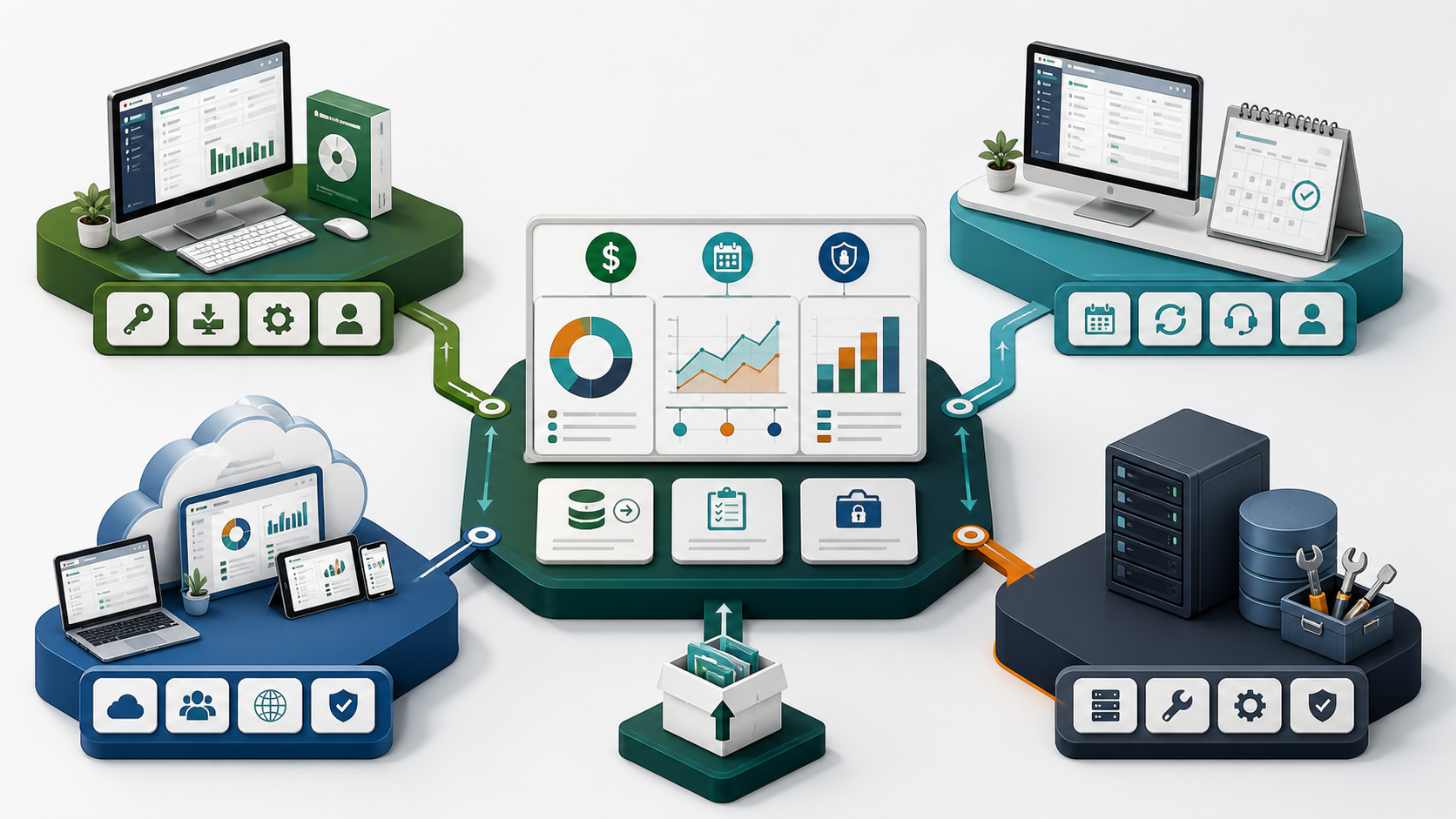
| Model | Potential advantage | Common limitation | Best fit |
|---|---|---|---|
| Perpetual desktop | Predictable upfront software cost and local control | Future versions, integrations, security fixes, tax services, and support may be excluded | Stable, simple workflows with a tested backup plan |
| Desktop subscription | Updates and defined service benefits may be included | Use or services may depend on renewal | Teams that need a supported desktop ecosystem |
| Cloud subscription | Remote access, collaboration, automatic updates, and integrations | Ongoing fees, internet dependence, and changing feature tiers | Distributed teams and automation-heavy workflows |
| Free/open-source | Low license cost and possible code/data control | Setup, hosting, updates, compliance, and support become your responsibility | Technically capable organizations with implementation resources |
Who should consider a perpetual desktop tool?
It can suit a small organization with one location, stable transaction volume, no payroll or live bank-feed dependency, a bookkeeper who understands the product, and a documented backup-and-restore routine. It is also useful when local operation is required and the business can keep a compatible computer isolated from unnecessary changes.
Who should avoid choosing on price alone?
A subscription or supported platform is often safer for a growing multi-user team, remote workers, regulated workflows, complex inventory, integrated payments, live bank connections, payroll, tax filing, or a business that cannot tolerate days of recovery work. If losing vendor support would create more risk than the annual fee, the cheapest license is not the lowest-cost option.
The 12 questions every listing must answer
- What exact product and year is licensed? A generic “accounting software” description is not enough.
- Is the right perpetual or subscription-based? Request the publisher’s language, not the reseller’s shorthand.
- How many named users and simultaneous users are included? These are different limits.
- How many computers can run it? Installation rights and concurrent-use rights may differ.
- Is transfer to a replacement computer allowed? Ask what happens after hardware failure.
- Which operating systems and processors are supported? Check 64-bit requirements, memory, storage, display, and database components.
- Which services require a separate subscription? Payroll, payments, bank feeds, cloud access, backup, and support may be add-ons.
- When do updates and connected services end? A working core ledger does not mean every feature remains active.
- How is the license delivered and activated? Avoid unknown executables, third-party activation servers, or requests to disable security controls.
- Can your accountant exchange or open the file? Version incompatibility can delay year-end work.
- Which export formats are available? Confirm that customers, vendors, chart of accounts, transactions, reports, and attachments can be moved.
- What evidence and remedy exist if activation fails? Save the written refund/replacement policy before checkout.
Use a three-year total-cost calculation
Compare like with like. Start with license or subscription fees, then add the costs that are easy to hide: extra users, payroll, payments, remote access, hosting, bank connections, implementation, training, data conversion, backups, accountant access, upgrades, support, and recovery time. Use the same number of users and the same required features for every option.
Simple formula
Three-year cost = upfront license + 36 months of required services + implementation + hardware/hosting + upgrades + support + estimated migration and downtime.
Also calculate an exit cost. If the vendor ends support or the operating system changes, how much will it cost to export data, verify balances, retrain staff, and preserve historical records? A perpetual product can look inexpensive until an unsupported dependency forces an urgent migration.
Run three scenarios instead of relying on one optimistic estimate. The expected case uses today’s staff and transaction volume. The growth case adds the users, locations, inventory, payroll, and integrations likely within three years. The disruption case assumes a computer failure, urgent reinstall, or forced migration. Include the value of staff time in every scenario. This reveals whether the apparent saving survives a real business change and whether the vendor’s support model matches the financial risk the business can tolerate.
Have the bookkeeper or accountant review the assumptions before selection. They may identify filing, audit-trail, closing, inventory, or data-exchange requirements that a feature checklist misses.
Protect the accounting file before changing versions
Accounting migration is not a normal file copy. Back up the company file using the application’s verified process, keep at least one offline copy, and test a restore before upgrading. Record the current product version, license information, users, add-ons, reconciliation date, open transactions, payroll status, custom forms, inventory quantities, and report totals.
Use a duplicate or test environment for conversion. After migration, compare the trial balance, accounts receivable and payable aging, bank balances, inventory valuation, sales tax liabilities, payroll liabilities, retained earnings, and a sample of attachments and custom reports. Keep the old environment read-only until the accountant approves the converted data. Intuit’s official Desktop guidance specifically recommends creating a backup before converting a company file to a newer version.
A practical go/no-go checklist
- The exact license model and renewal obligation are documented.
- The product supports the current operating system and hardware.
- Every essential feature is mapped to an included or separately priced service.
- The accountant confirms file compatibility and year-end access.
- Multi-user and remote-access requirements have been tested.
- Backups can be restored on a second system.
- Data exports and an exit plan are documented.
- The seller provides a traceable invoice and a clear activation remedy.
Compare the related QuickBooks Desktop guides
Review the QuickBooks Pro 2019 support and upgrade guide and the manufacturing and wholesale decision guide. If you inspect a store listing, verify its entitlement directly against Intuit’s current subscription, availability, and support documentation before ordering.
Questions buyers ask
Is QuickBooks Desktop 2024 a one-time purchase?
Intuit identifies Pro Plus, Premier Plus, and Mac Plus 2024 as subscription products. It also states that new US sales of those subscriptions ended after September 30, 2024. Treat a third-party “lifetime” claim as a material discrepancy that must be resolved before purchase.
Can desktop accounting software keep working after support ends?
The core application may continue on a compatible computer, but connected services, payroll, bank feeds, payments, security updates, integrations, activation, reinstall support, and operating-system compatibility can be affected. Check the publisher’s discontinuation policy for the exact version.
Is open-source accounting software always free?
The license may be free, but deployment is not necessarily cost-free. Hosting, database maintenance, security, backups, configuration, training, upgrades, compliance work, and professional support can exceed the price of a commercial subscription.
What is the most important feature for a very small business?
Reliable financial records and recoverable data matter more than a long feature list. Confirm that the tool supports your accounting method, taxes, invoices, bank reconciliation, reports, accountant workflow, backups, and exports before evaluating optional automation.
Should I buy an older desktop version to avoid subscriptions?
Only after checking compatibility, activation/registration availability, the support lifecycle, connected-service status, accountant compatibility, and migration risk. A low purchase price does not compensate for an application that cannot be registered, restored, supported, or used for required services.
One-time purchase decision recap
A one-time purchase should be evaluated by its full three-year cost, support status, connected services and migration risk.
Before choosing a one-time purchase, verify whether the offer is genuinely perpetual or simply a prepaid subscription term.
One-time purchase buyers should also document reinstall rights and the exit plan. A one-time purchase is only economical when the supported workflow and recovery process remain practical.