


A Windows 11 Home product key is appropriate only when the PC supports Windows 11 and the installed or planned edition is Home. Before paying, verify whether the license is retail or device-bound, how many devices it covers, whether transfer is allowed, where the installation files come from, and what documented remedy the seller provides if activation fails.
Editorial note: This buyer guide was reviewed on August 29, 2026 against Microsoft’s activation, genuine-Windows, and system-requirement documentation. Requirements and licensing terms can change; confirm the linked Microsoft pages before making a purchase.
First decide whether Windows 11 Home is the right edition
Home is designed for typical personal computing: web use, productivity, entertainment, education, gaming, and standard security features. A home office does not automatically require Windows Pro. The decision should be based on specific management, security, virtualization, or remote-administration requirements—not on the idea that Pro is universally faster or more reliable.
Start by checking the edition already installed. Open Settings → System → About and read “Windows specifications.” A Home key does not unlock Pro features and is not the correct fix for a Pro installation that needs activation. If a computer has Home and you intentionally need Pro features, follow Microsoft’s supported edition-upgrade path rather than attempting to activate Pro with a Home key.
| Scenario | Likely direction | What to verify |
|---|---|---|
| Personal laptop, family PC, gaming PC, or student device | Home is usually sufficient | Hardware support, account/setup requirements, and application compatibility |
| Company-managed device joined to an organization’s environment | Ask the IT administrator; Pro or another edition may be required | Management, identity, encryption, remote access, and policy requirements |
| Current installation says Windows 11 Pro | Do not buy Home to activate that installation | Whether the device already has a digital Pro license or needs the matching Pro entitlement |
| Newly built PC with no operating system | Home can be suitable after a feature check | Supported CPU, TPM 2.0, Secure Boot, drivers, edition, and license channel |
Confirm Windows 11 hardware support before buying
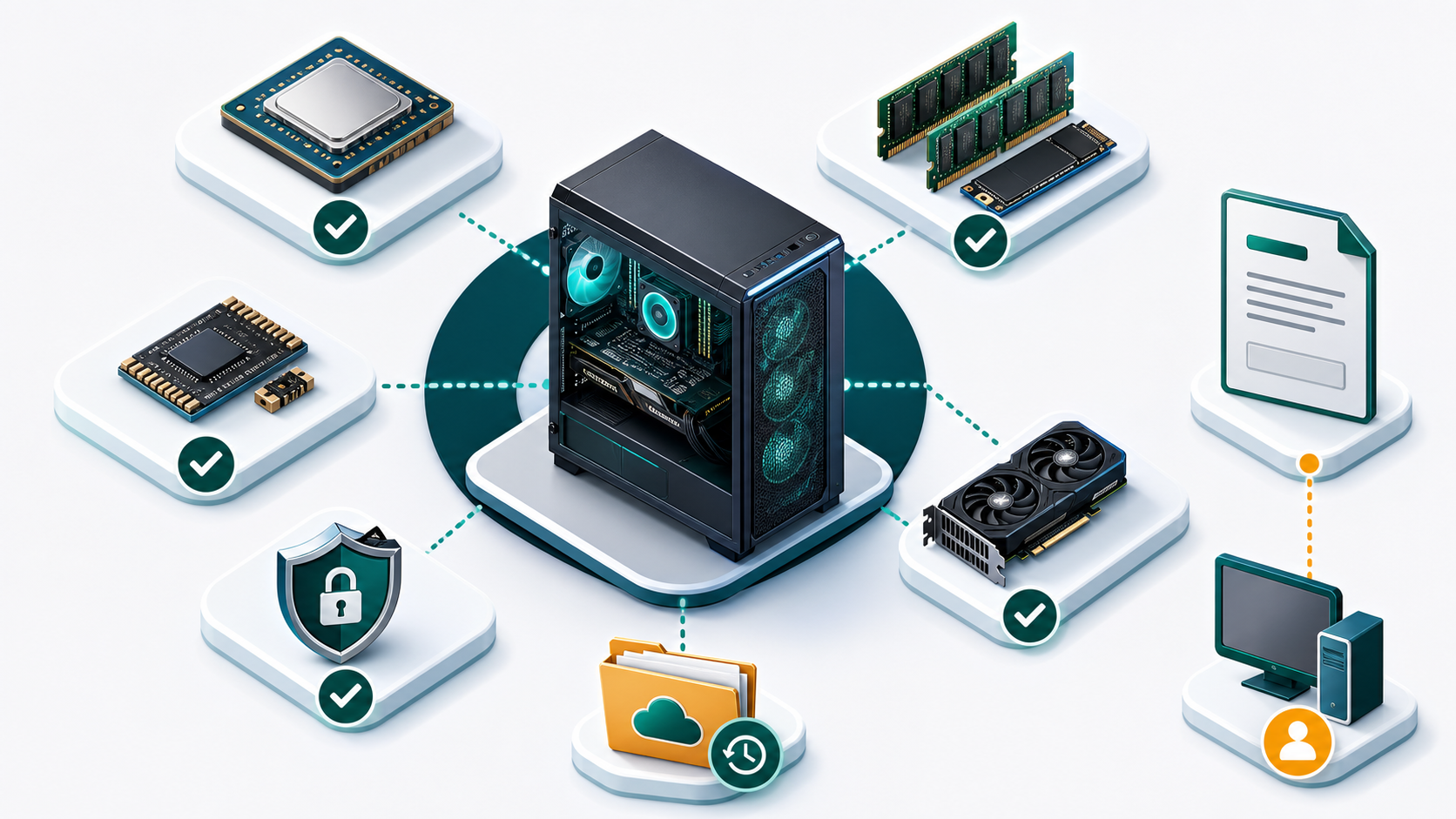
A product key does not bypass the operating system’s hardware requirements. Microsoft’s published minimums include a supported 64-bit processor at 1 GHz or faster with two or more cores, 4 GB of memory, 64 GB of storage, UEFI firmware with Secure Boot capability, TPM 2.0, DirectX 12-compatible graphics with a WDDM 2.0 driver, and a high-definition 720p display larger than nine inches. Windows 11 Home also requires internet access and a Microsoft account during initial setup.
The minimums only answer whether installation is supported, not whether the computer will feel fast with your workload. Video editing, gaming, development, virtual machines, large spreadsheets, and many browser tabs need more memory, storage, and graphics capability. Check the application vendors’ requirements as well as Microsoft’s.
Five compatibility checks
- Run Microsoft’s PC Health Check or compare the processor and firmware with the device manufacturer’s support page.
- Open the firmware settings and confirm that TPM 2.0 and Secure Boot are available; avoid changing settings without a recovery plan.
- Verify that the manufacturer provides Windows 11 drivers for storage, networking, graphics, audio, and any special hardware.
- Back up personal files and record applications that must be reinstalled.
- Confirm that the planned installation is 64-bit and that enough free storage remains for updates and recovery.
Understand the license before entering payment details
Microsoft documents two common activation methods: a digital license and a 25-character product key. A digital license can result from an eligible upgrade or a Microsoft Store purchase. A boxed or digital retail purchase can provide a product key. A device that ships with Windows may use an OEM or firmware-based entitlement. Organizations have different licensing channels. These routes have different transfer, support, and use terms.
Ask the retailer to state the license channel plainly. “Windows key,” “genuine,” or “lifetime activation” does not answer whether the offer is retail, OEM/device-bound, upgrade-only, organizational volume licensing, or another entitlement. Microsoft also cautions that activation alone does not establish that software is genuine; activation pairs a key or digital entitlement with a hardware configuration.
Seller-verification checklist
- A legal business identity, service contact, privacy notice, terms, and refund policy are easy to find.
- The listing names Windows 11 Home, the license channel, device count, delivery method, region limits, and transfer conditions.
- The seller explains what proof is needed for a failed activation and the time allowed to report it.
- The order produces a traceable invoice and confirmation email.
- The instructions use Microsoft’s Settings application and official installation source—not an unknown executable or third-party activation server.
- No step requires disabling antivirus, sharing remote control, or running a script from an unverified source.
- The page does not treat retail, OEM, MAK, KMS, and volume licensing as interchangeable terms.
Do not continue if instructions ask you to download a “special activator,” contact a non-Microsoft activation server, turn off security protections, or let an unknown person control your computer. A normal Windows 11 Home activation uses the installed Windows Activation settings and a matching entitlement.
Use a clean, documented installation and activation process
Download installation media from Microsoft or a source Microsoft explicitly directs you to use. Before installation, confirm backups, edition, storage layout, recovery information, and access to network drivers. If the PC already has an activated Windows edition and you are reinstalling the same edition on the same hardware, Microsoft says a digital license can allow reactivation without entering a product key during setup.
- Save the invoice, product-page description, delivery message, order number, and seller policy.
- Confirm the edition under Settings → System → About.
- Install all pending Windows updates and restart.
- Open Settings → System → Activation and review the current activation state.
- If a matching key is needed, use the supported “Change product key” control.
- Record any error code exactly. Do not repeatedly change editions or run multiple troubleshooting scripts.
- When appropriate, link the eligible digital license to the Microsoft account used on the device.
If activation fails, first compare the installed edition with the purchased edition. Then check internet connectivity, date and time, whether the key contains typing errors, and whether Windows reports a specific code. Send that code and the order number to the retailer. Microsoft’s Activation troubleshooter can help with eligible digital licenses and documented hardware changes, but it cannot turn the wrong edition or license channel into the correct purchase.
Plan for reinstallations and major hardware changes
Reinstalling Windows and transferring a license are not the same action. Reinstalling the same edition on the same device may reactivate through its digital license. Moving Windows to a different computer depends on the license terms. Device-bound entitlements can remain associated with the original PC, while a qualifying retail license may have different transfer rights.
Microsoft identifies a motherboard replacement as a significant hardware change that can affect activation. Before changing it, confirm the Windows edition, activation state, account association, and license channel. Save the product key or purchase evidence where the terms permit. After the change, use Microsoft’s documented activation troubleshooter and select the eligible device if prompted. A repair shop’s hardware replacement does not guarantee that every license can be transferred.
Before replacing a motherboard or moving to a new PC
- Capture the edition and activation state.
- Confirm whether the entitlement is retail, OEM/device-bound, or organizational.
- Link an eligible digital license to the correct Microsoft account before the change.
- Back up personal data and recovery keys.
- Check that the destination device supports Windows 11.
- Review the license terms for transfer and removal from the old device.
- Keep invoices, repair records, and the old device details until activation is resolved.
Review Windows 11 Home details before checkout
Confirm the license channel, device limit, transfer terms, delivery process, refund conditions, and your PC’s Windows 11 compatibility. For a broader retailer checklist, read where to buy a Windows product key safely.
Questions buyers ask
Can a Windows 11 Home key activate Windows 11 Pro?
No. The installed edition and entitlement must match. Check Settings → System → About before buying. If Pro is installed, determine whether the device already has a Pro digital license or needs the corresponding Pro entitlement.
Does a product key make unsupported hardware compatible?
No. Activation and hardware eligibility are separate. A key does not add TPM 2.0, Secure Boot, a supported processor, storage, memory, or drivers. Use Microsoft’s requirements and the PC manufacturer’s support information.
Does successful activation prove that a key is genuine?
No. Microsoft explains that activation pairs a product key or digital entitlement with the device’s hardware configuration. Licensing provenance, validation, channel, and seller documentation still matter.
Can I reuse the key after reinstalling Windows?
Reactivation depends on the entitlement and hardware. The same edition on the same device may reactivate through a digital license. Moving to another device or replacing major hardware is governed by the license channel and Microsoft’s activation process.
Do I need to buy Windows 11 if the PC already has activated Windows 10?
Not necessarily. Microsoft has offered eligible devices a digital-license upgrade path. Check the current activation state and hardware eligibility before purchasing another key. Do not assume every older device qualifies.
Where should the installer come from?
Use Microsoft or a source Microsoft explicitly directs you to use. A key seller should not require a modified installer or unknown activation utility.