


Quick answer
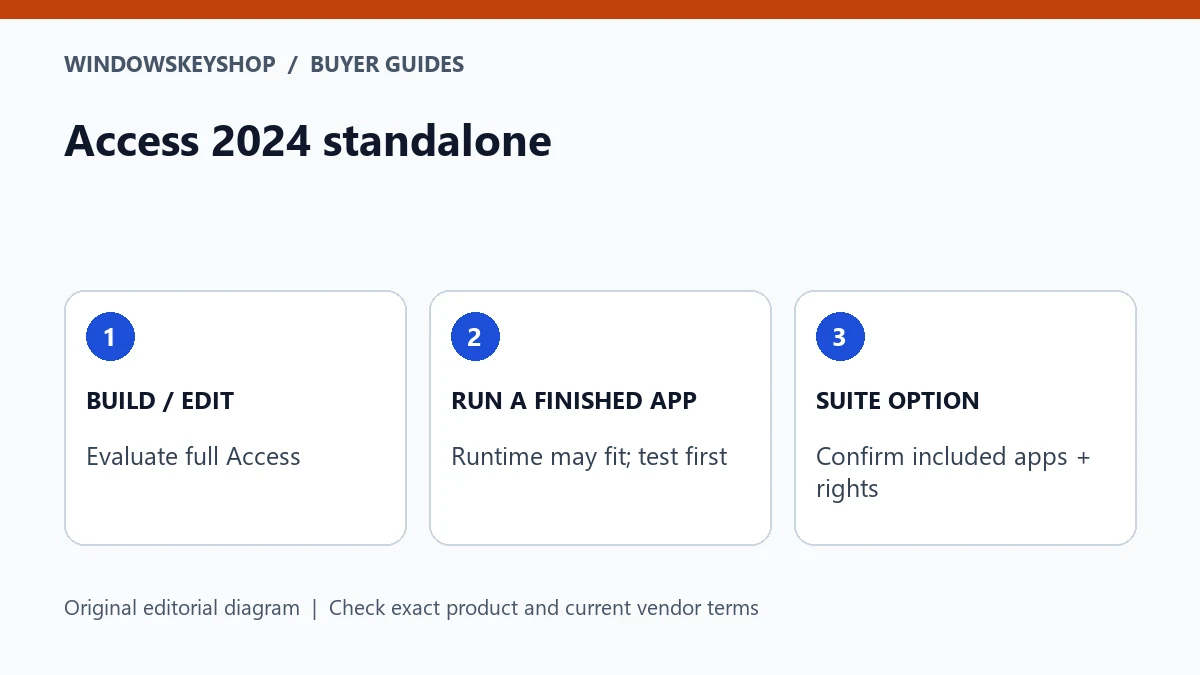
Access 2024 standalone is a real purchase option described by Microsoft; it is not available only inside a suite. Full Access and Access Runtime serve different needs, and Access is a Windows application. Compare database authoring, existing Office compatibility and exact license rights before choosing standalone Access, an eligible suite or Runtime for a finished application.
Can you buy Microsoft Access separately?
Microsoft's Access 2024 information describes a standalone product as well as the LTSC 2024 Professional Plus route. That makes the statement 'Access is never sold separately' an unreliable basis for a buying decision. Check the current offer in your region and the rights it supplies.
A suite can still be appropriate when you also need its other included applications. The point is to compare actual needs rather than forcing every database user into the largest bundle. Record what the user must build, edit or run.
Do not confuse Access with a cloud database service or a Mac-native version of the same desktop application. Identify the platform and the application's architecture before ordering. A key for an unsuitable platform or edition will not make the existing database workflow compatible.
Seven checks before buying standalone or a suite
- Decide whether the user must design databases or only run a finished application.
- Confirm that the intended device and operating system support the product.
- Inventory the existing Office applications and their architecture and deployment requirements.
- Identify the database file, external data sources and any required drivers or integrations.
- Ask the database owner to test a protected copy in the proposed environment.
- Compare standalone Access with an eligible suite using the exact applications and rights supplied.
- Keep a recovery copy and entitlement evidence before replacing the working setup.
A buyer who only needs to use a prepared application has a different question from a developer changing tables, forms and reports. Establish that role first. It may prevent an unnecessary suite purchase or reveal that a limited runtime environment is not enough.
Full Access versus Access Runtime
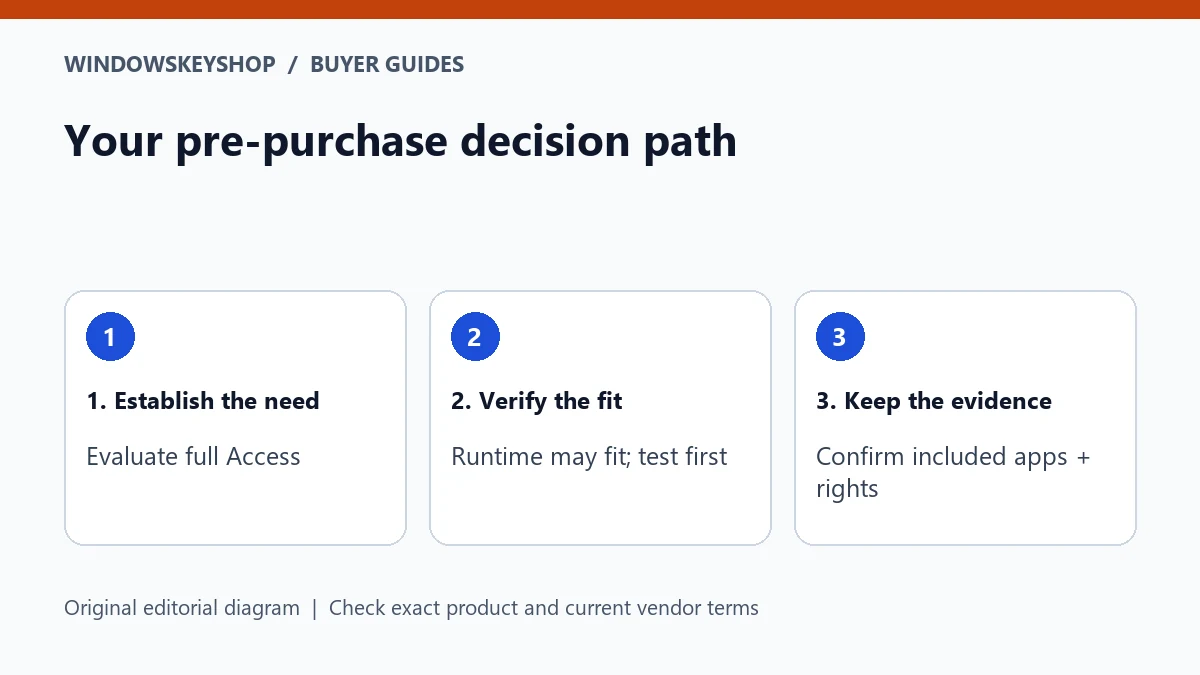
Microsoft provides Access Runtime for distributing and running applications in a runtime environment. It is not a substitute for every full Access design task. The database developer should decide whether the application is prepared and supported for the intended runtime deployment.
Ask what the end user needs to do: enter records, run reports, alter forms, change queries or maintain the database design. Do not assume that because one task works in Runtime, every maintenance task will be available.
If a third party built the application, request its deployment requirements and support policy. A free runtime download does not automatically make the application free, compatible or licensed for every user. Keep the software developer's terms and the Microsoft application requirements distinct.
Windows, bitness and existing Office matter
Access is a Windows desktop application. A buyer using a Mac should not assume that an Office for Mac suite includes Access. Check the intended supported environment and any additional platform or virtualization requirements separately.
On Windows, inventory the architecture and installation technology of existing Office products before adding another application. Microsoft publishes compatibility considerations for Runtime and existing installations. Follow the matching guidance instead of assuming that every 32-bit and 64-bit component can be combined.
External data connections can add their own requirements. Record the driver, data-source owner and vendor support information. A database file opening successfully does not prove every linked table, report or integration is working. The application owner should validate the complete workflow.
Standalone or suite: compare what you will actually use
Create a list of required applications and mark what the business already owns. If the only missing capability is full Access on an eligible Windows PC, investigate the standalone option. If several included applications are required, an eligible suite may be worth comparing.
For a Professional Plus or LTSC offer, establish the exact product channel and entitlement. The suite name alone does not prove that an offer supplies appropriate rights for your particular consumer or business deployment. Request written clarification before payment.
Do not choose a bundle merely because it lists more application names. Unused software does not solve a compatibility problem, and a low price cannot compensate for an unsuitable license. A good buying outcome may be standalone Access, a suitable suite, a supported Runtime deployment or no new purchase.
Test the database before changing the working PC
Make a protected test copy and agree on representative tasks with the database owner. Include opening the application, entering a sample record, running a report and accessing any linked source that is part of the everyday workflow. Use non-sensitive sample data where practical.
Record the expected result and the existing application's version and architecture. Keep the working production copy unchanged until the test is accepted. Do not distribute a database containing private customer information merely to ask a seller whether a key will work.
If the test fails, identify whether the cause is the Access environment, driver, permissions, application design or external service. A different Office key is not automatically a remedy for a database application issue. Send the relevant sanitized evidence to the application developer or administrator.
Example: two users with different Access needs
Imagine a business owner who maintains forms and queries while an employee enters records in a finished application. The owner's design work may require full Access. The employee's deployment might be a Runtime candidate if the developer supports and tests that arrangement.
They should not automatically receive identical purchases just because both say they use the database. List the tasks and the supported deployment for each role, then compare the rights and existing applications on each device.
This is a hypothetical planning example, not a certification of a particular database or license. The person responsible for the application must approve compatibility and maintenance. A retailer can clarify its product offer, but it cannot infer the application's internal requirements from the word Access alone.
What to keep with the final purchase decision
Save the product listing, invoice, exact application or suite name, platform and seller's written channel information. Record which device or user the entitlement covers according to the applicable terms. Store full keys and credentials separately and privately.
Keep the database deployment instructions and a tested recovery route with the application owner. A future replacement PC should not depend on somebody remembering which installer happened to work. Revalidate when changing Office architecture, database drivers or the external data source.
WindowsKeyShop's Office 2024 listing is a suite option to inspect, not a claim that standalone Access is stocked or that every buyer needs Professional Plus. If only standalone Access meets your requirement, compare an appropriate verified standalone offer rather than substituting a different product without explanation.
Your decision worksheet
Use this original planning worksheet to turn the comparison into a documented decision. It is an illustrative tool, not a certification of a particular device, application or license.
- Create a role matrix for the database: designer, maintainer and everyday user. List the actions each role performs instead of treating database access as a single requirement. Give the application developer responsibility for confirming which deployment supports each role and what happens when maintenance is needed.
- Make an environment record with Windows version, existing Office architecture, required data drivers and external sources. Keep connection secrets out of the shared document. Ask the administrator to confirm compatibility before installing another Office product on the working machine.
- Build a safe acceptance test with representative forms, queries and reports. Define the expected output and include the linked-data workflow when applicable. A successful launch is not enough; the test must demonstrate that the intended user can complete the real task without changing the production database.
- Compare the final alternatives in writing: standalone full Access, a correctly licensed suite, supported Runtime or keeping the current supported setup. Include application maintenance and future recovery, not just the purchase price. Select the option that meets the documented role and environment rather than the one with the longest feature list.
Frequently asked questions
Is Access 2024 available standalone?
Yes. Microsoft describes a standalone Access 2024 product. Confirm regional availability, platform and the exact license supplied before buying.
Can Runtime replace full Access for designing a database?
Do not assume that. Runtime is intended for running prepared applications; the developer should verify the supported deployment and any limitations for the user's tasks.
Does Office for Mac include Access?
Do not buy on that assumption. Access is a Windows application, so validate the intended supported environment and product entitlement.
Should everyone using one database buy the same suite?
Not automatically. Compare each role's tasks, the application developer's supported deployment and the rights already owned before selecting products.
Choose the product only after these checks
Considering an Office suite? Inspect the exact applications, Windows compatibility, license channel, device allowance and activation requirements before ordering. A Professional Plus listing is not a substitute for verifying appropriate rights; it does not automatically include mailbox hosting or a standalone Access offer.
Check the Office 2024 suite details
Unsure about fit? Ask WindowsKeyShop before purchase and keep the written answer with your invoice. The store’s stated 30-day guarantee concerns non-working keys under its published policies; it is not a general change-of-mind promise and does not override mandatory consumer rights.
Related guides
Sources and verification notes
Primary vendor documentation checked for this draft on 19 October 2026. Requirements and availability can change. The scenarios and worksheets are original editorial examples, not claims of customer testing.