


Quick answer
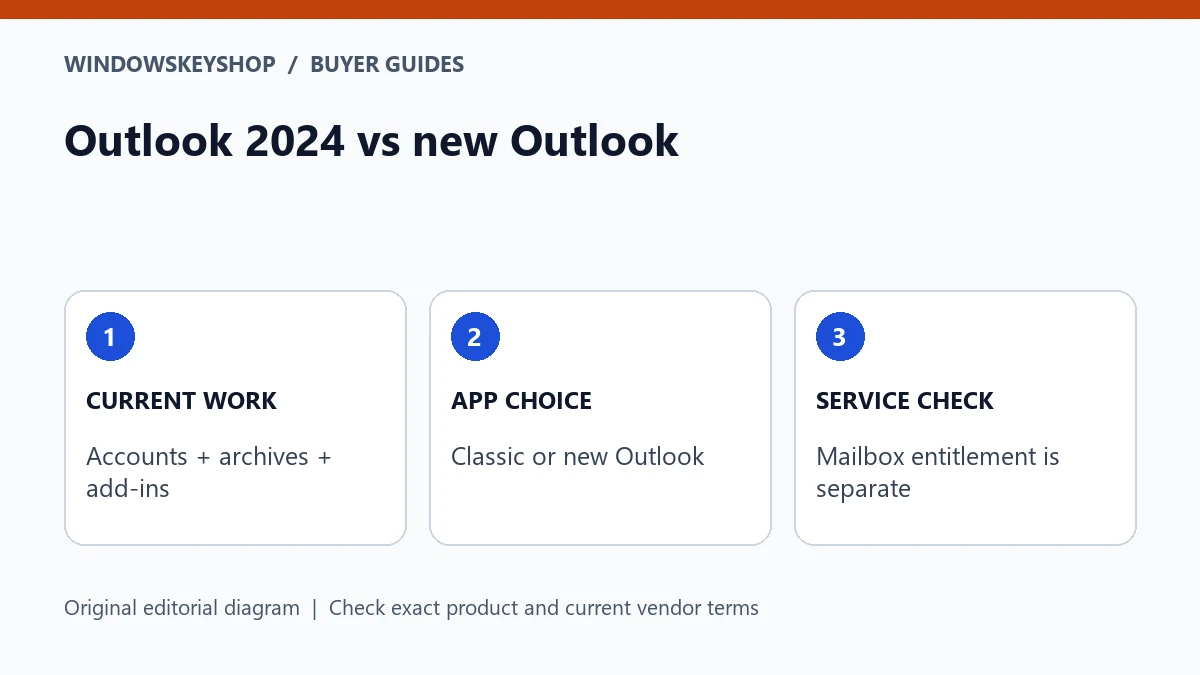
Outlook 2024 vs new Outlook is a workflow comparison, not simply old versus new. Classic Outlook and new Outlook for Windows have different capabilities and migration considerations. Check your accounts, add-ins, archives and offline needs against Microsoft's current feature table. Buying a desktop app or Office suite does not automatically include a hosted business mailbox.
Identify the app before buying a replacement
Outlook is used as a name for several experiences, so begin by identifying the application the user actually has. Record the product, version and license source. A screenshot of an icon alone is not a reliable buying specification.
Classic Outlook supplied with an eligible perpetual product and new Outlook for Windows should not be treated as identical merely because both handle mail. Microsoft's current comparison table describes feature differences and uses statuses such as available, partially available and not supported.
This guide compares workflow fit, not every feature in every subscription. Product availability and account entitlements can change. Check the current Microsoft table and your provider's requirements before deciding that one application can replace another without changing how the business works.
Seven checks before choosing an Outlook option
- Identify every mail account and its provider, including any work or school restrictions.
- Inventory add-ins, automations and integrations that users rely on.
- Record local archives and the exact tasks required with them.
- Define offline work needs rather than assuming the same behavior in both apps.
- List calendar, delegation, shared-resource and meeting workflows that must pass a test.
- Separate the app entitlement from mailbox hosting, storage and subscription services.
- Pilot the intended app and retain a supported recovery route before changing the whole team.
A simple personal mailbox can have a different fit from a business workflow that depends on a specialist integration. Give those requirements their own acceptance checks. Choosing the newest interface is not a substitute for checking the work that must still be done.
Add-ins and automation can determine the decision
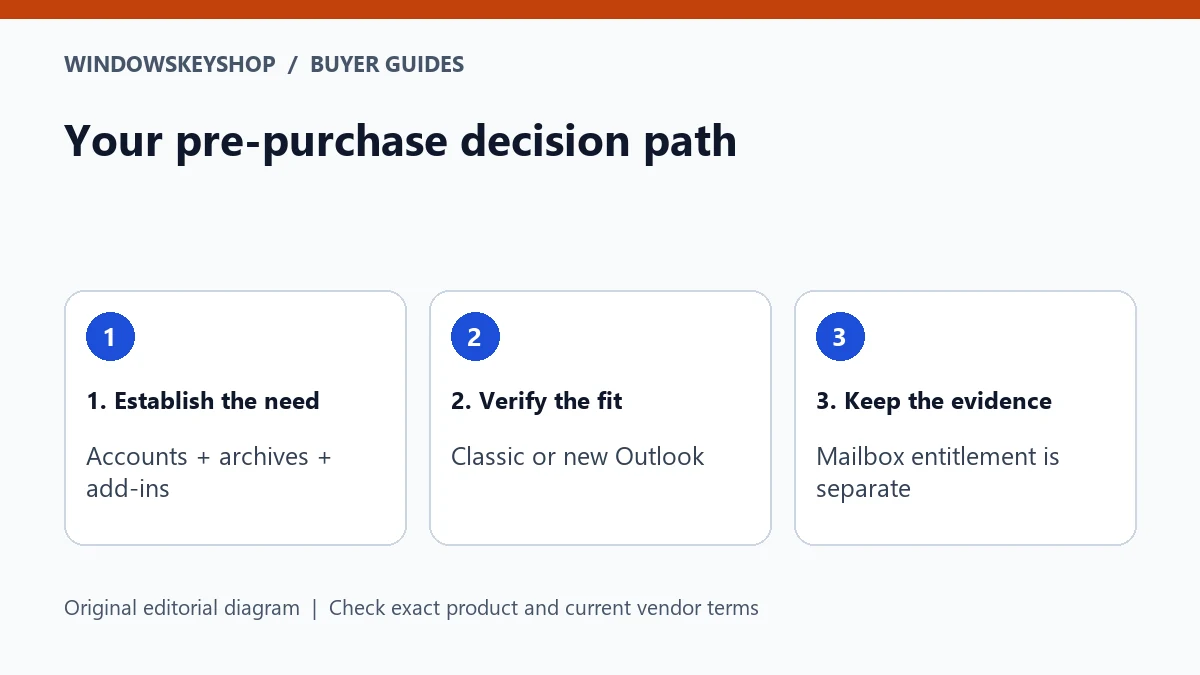
Microsoft's feature comparison currently lists COM add-ins and VBA macros as available in classic Outlook but not supported in new Outlook. That is a specific compatibility distinction, not a general claim that one application is always better.
Ask the owner of each integration whether a supported alternative exists for the intended app. Do not infer support because an add-in appears in a different Office program or because a vendor offers a web product with a similar name.
Create a small integration record with the vendor, version, purpose and person responsible for testing. A mail app can send a basic message successfully while a critical customer-management or document workflow remains broken. The integration owner's acceptance matters more than the installer's first impression.
Archives and offline work need current evidence
The current Microsoft table describes PST and offline support in new Outlook as partially available. Do not repeat an old blanket claim that a feature is completely absent, and do not turn partial availability into a promise of full parity. Read the linked detail for the task you need.
Inventory what users do with archives: open, search, move, import or another specific operation. Use a safe test copy and confirm the intended behavior without risking the only copy of business records. Follow your retention and privacy rules.
Likewise, specify offline tasks individually. Reading an item, searching a history, drafting a response and sending it are not the same requirement. Record which behavior is essential and check it on the approved app and account setup before committing to a migration.
An email app is not a mailbox-hosting plan
An Office purchase can supply an eligible desktop application according to its edition and terms. It should not be assumed to supply a business mailbox, a custom domain, server administration or every connected service. List those requirements separately in the budget.
If you already have a mailbox provider, ask which clients and authentication methods it supports. If the business needs a new hosted service, compare that service on its own terms. Do not buy a product key expecting it to create an email account that was never part of the offer.
This distinction also improves pre-sales questions. Instead of asking 'Does this include Outlook?', ask which exact application is included, on which platform, and whether any service you need is included or must be purchased separately.
Pilot side by side when the supported setup permits it
Microsoft provides guidance for running new and classic Outlook side by side. Use that guidance for the intended environment rather than removing the existing app immediately. An administrator should approve the process on managed devices.
Choose a small set of non-sensitive tests: sign in to the approved account, send and receive a message, check the relevant calendar workflow, exercise a critical integration and inspect a safe archive sample. Record the expected result before testing.
If a requirement fails, identify whether the cause is the app, account entitlement, provider support or integration. Do not repeatedly purchase suite keys to solve an issue controlled by a mailbox provider. A pilot is successful when the actual work passes, not simply when the new app launches.
A practical purchase decision for a small business
Imagine a two-person service business. One user needs ordinary mail and calendar access; the other relies on an established desktop integration and local archive workflow. They may not have identical app requirements even though they use the same email domain.
The buyer should validate the specialist workflow first, compare the exact product entitlements and avoid changing both the app and hosting service without a plan. If classic Outlook is required, select an eligible product that actually includes it and confirm platform and licensing details.
This is an illustrative decision process, not a recommendation that every business buy a larger suite. If the existing supported app and services meet the need, buying an additional perpetual product may be unnecessary. Let the workflow and documented rights determine the purchase.
Your decision worksheet
Use this original planning worksheet to turn the comparison into a documented decision. It is an illustrative tool, not a certification of a particular device, application or license.
- Build a workflow inventory with one row per task rather than one row per user. Include account provider, archive operation, integration and expected output. Assign an owner who can say whether the result is correct. This makes the choice understandable even to someone who is not familiar with Outlook's product names.
- Mark each requirement as confirmed, partially met or unresolved using current vendor evidence and an authorized test. Keep Microsoft's partially available status intact rather than rounding it up to supported or down to impossible. Record the date because the new app's capabilities can change.
- Separate the purchase sheet into application, mailbox service, domain and any integration costs. An inexpensive app license may not address a service requirement, while an existing subscription may already provide an appropriate entitlement. Check what the business already owns before ordering another product.
- Define a reversible pilot with a safe archive sample and approved accounts. Keep private mail and credentials out of public screenshots. Accept the new setup only when the essential workflows pass and the responsible user knows where to get support; do not mistake a successful sign-in for a complete migration.
Frequently asked questions
Does new Outlook support every classic add-in?
No. Microsoft's current table lists COM add-ins as not supported in new Outlook. Confirm the exact integration and any supported alternative with its vendor.
Does new Outlook have no PST support at all?
That blanket claim is outdated relative to the table checked for this guide. Microsoft describes PST support as partially available; check the precise operation you need.
Does buying Outlook create a business mailbox?
Do not assume so. App entitlement and mailbox hosting are separate questions unless the exact offer explicitly includes both.
Should I uninstall classic Outlook before testing?
Use Microsoft's supported side-by-side guidance where applicable and obtain administrator approval. Preserve a recovery route until the required workflows pass.
Choose the product only after these checks
Considering an Office suite? Inspect the exact applications, Windows compatibility, license channel, device allowance and activation requirements before ordering. A Professional Plus listing is not a substitute for verifying appropriate rights; it does not automatically include mailbox hosting or a standalone Access offer.
Check the Office 2024 suite details
Unsure about fit? Ask WindowsKeyShop before purchase and keep the written answer with your invoice. The store’s stated 30-day guarantee concerns non-working keys under its published policies; it is not a general change-of-mind promise and does not override mandatory consumer rights.
Related guides
Sources and verification notes
Primary vendor documentation checked for this draft on 19 October 2026. Requirements and availability can change. The scenarios and worksheets are original editorial examples, not claims of customer testing.