


Quick answer
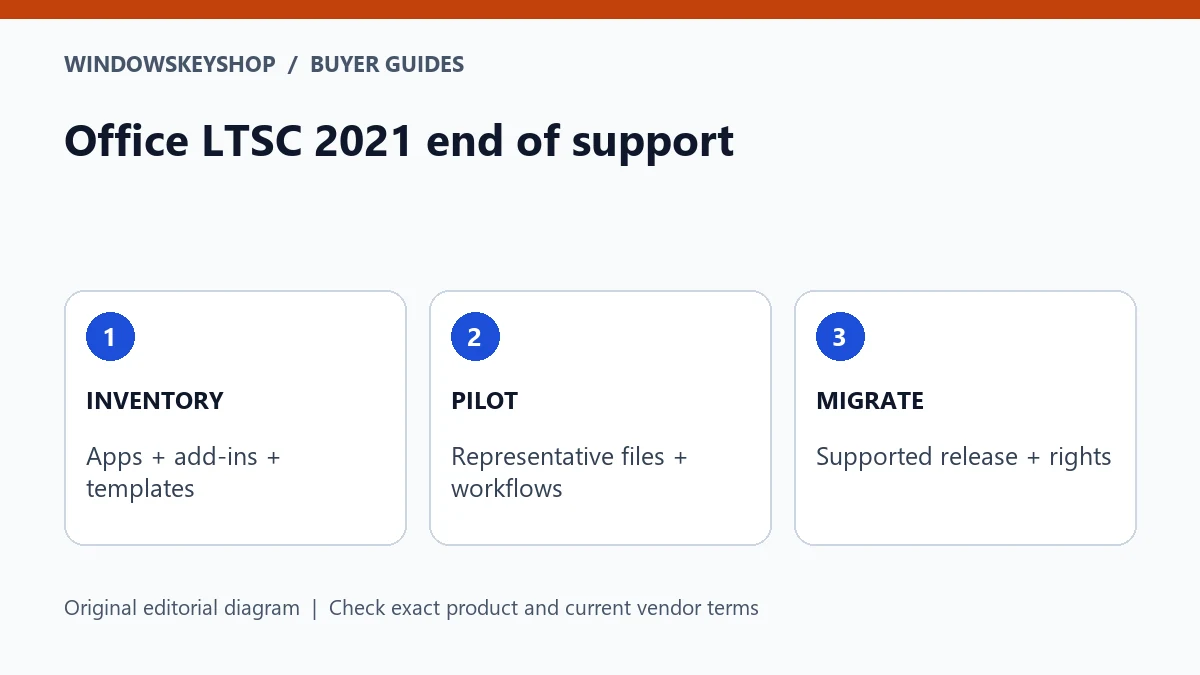
Office LTSC 2021 end of support has arrived as of October 2026. Microsoft's end-of-support announcement specifies October 13, 2026. Do not confuse continuing to open documents with receiving ongoing security maintenance. Inventory your applications and integrations, then choose a supported upgrade route such as appropriately licensed Office LTSC 2024 or a suitable Microsoft 365 plan.
What changed, and what did not
Microsoft's LTSC 2021 end-of-support announcement says the product no longer receives technical support, bug fixes or security updates after its stated deadline. A perpetual use right and a support lifecycle are different things. An application continuing to launch does not extend its maintenance period.
There is a minor date discrepancy across Microsoft pages: the end-of-support announcement specifies October 13, while one lifecycle table displays October 14. By this guide's preparation date, October 19, 2026, either date has passed. That discrepancy does not justify postponing the migration decision.
Use the exact installed product name when planning. Consumer Office 2021, LTSC 2021, individual applications and subscription products should not be treated as a single interchangeable license. The relevant lifecycle and upgrade guidance must match the product you actually have.
Seven checks before choosing the replacement
- Inventory the installed suite and every separate Office application.
- Identify essential macros, add-ins, templates and integrations.
- Record mail profiles, local archives and any Access databases that need a migration test.
- Check the target release's operating-system and hardware requirements.
- Decide whether you need a perpetual release or ongoing subscription services.
- Establish the correct license channel, user or device allowance and deployment rights.
- Pilot representative work and a recovery process before changing every machine.
This list is designed to expose dependencies early. A business with a simple document workflow has a different migration risk from one relying on an old database and a specialized add-in. Do not select the replacement solely from a suite-name comparison or an advertised discount.
LTSC 2024 versus a subscription: choose the workflow
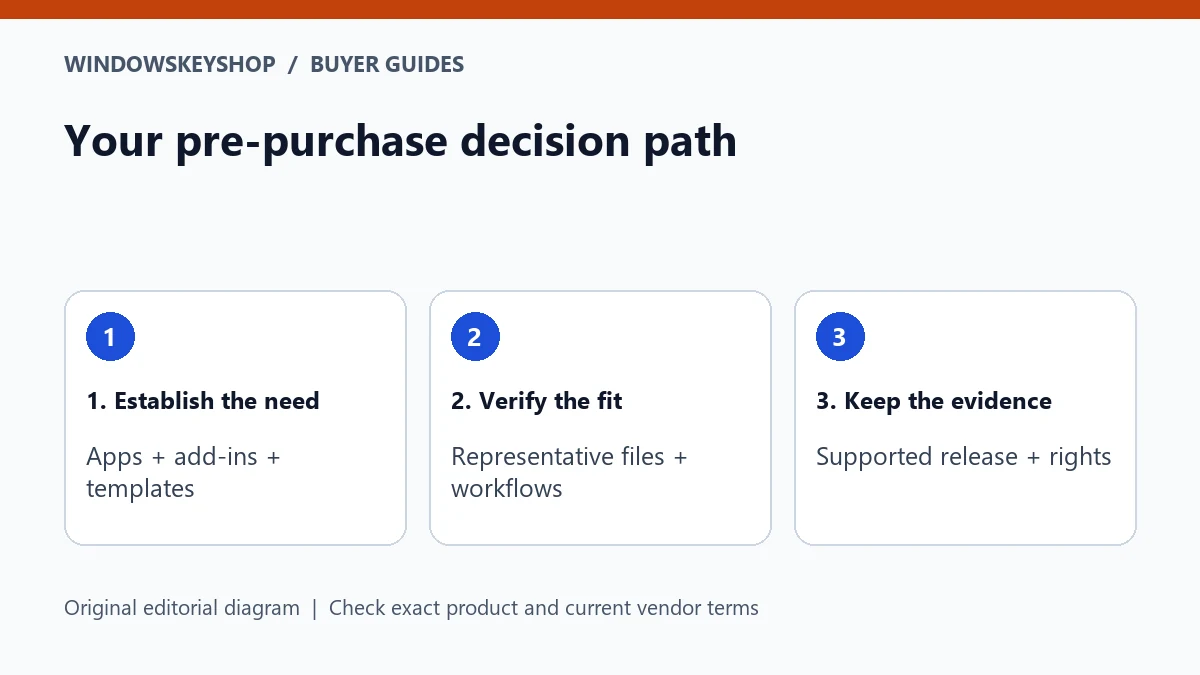
Microsoft names Office LTSC 2024 as the on-premises upgrade option for commercial customers not ready to move to the cloud. Microsoft 365 Apps is another route with a different service and update model. The right choice depends on the work and the applicable terms, not merely whether a listing says lifetime.
Write down the services you actually need: local document editing, email application, mailbox hosting, collaboration, cloud storage or organization-managed deployment. A desktop suite does not automatically provide all those services. Compare the full requirement with the exact plan or edition.
Do not assume a seller's Professional Plus label proves that every consumer can use the offer under retail terms. Request the exact product and channel evidence. For commercial LTSC, have the responsible licensing person approve the entitlement and activation arrangement before rollout.
Build a representative test set
Choose a small set of real workflows, with sensitive information removed where possible. Include a document with your normal formatting, a spreadsheet with the formulas or macros you rely on, and any presentation or mail task that matters to everyday work.
For a database, use a protected test copy and define what must be checked: opening forms, entering a sample record, running a report and accessing the intended data source. Do not test changes on the only production copy. Ask the database owner to approve the test.
Record the expected result before opening the files in the replacement environment. A file that merely opens may still have a broken integration or formatting change. A repeatable test set turns a vague compatibility promise into a practical acceptance check.
Do not overlook mail, add-ins and bitness
An Office migration can affect more than Word and Excel. Inventory the exact mail client, add-ins and integrations in use. Ask their vendors whether the target release, architecture and deployment method are supported. Do not infer compatibility from a similar product name.
Keep the 32-bit versus 64-bit decision tied to dependencies. A vendor may need a particular build or component. If you change both release and architecture, label those as separate changes so a failure can be traced.
Likewise, a switch to a different Outlook experience should be evaluated as its own project. The latest interface is not automatically a drop-in replacement for every classic workflow. Maintain a recovery plan for local data and a clear owner for any issue found during the pilot.
A staged migration example
Consider a small office with five document users and one database-dependent workstation. A practical plan might pilot a simple document user first while the database owner tests a copy of the application separately. The schedule should follow dependency risk rather than treating every PC identically.
Once the pilot passes, record the approved configuration and repeat the same checks on each migrated device. Keep the original recovery material until the business owner accepts the result. Do not use the first successful installation as evidence that every machine is ready.
This is a hypothetical rollout framework, not a claim that WindowsKeyShop has tested a particular customer's system. It helps you assign responsibility: the buyer approves license fit, the administrator approves deployment, and the workflow owner confirms that the essential work still functions.
What to ask before buying the new suite
Provide the seller with the current product name, intended replacement, number of devices and required applications. Ask for written confirmation of edition, platform, channel, activation route and the rights included. Keep the response and invoice together.
Ask your application vendors different questions: which release and architecture are supported, what must be backed up and what changes require their help. A key seller cannot automatically guarantee a third-party integration.
After migration, verify the installed edition, activation, updating and representative workflows. Maintain an inventory so the next lifecycle review is easier. A supported replacement is valuable only when the organization can maintain it and demonstrate that the license fits the actual deployment.
Your decision worksheet
Use this original planning worksheet to turn the comparison into a documented decision. It is an illustrative tool, not a certification of a particular device, application or license.
- Assign every dependency an owner. A spreadsheet macro, mail add-in or database connection should not be listed simply as something the office uses. Name the person who can explain its purpose, provide a test copy and confirm a correct result after the migration.
- Classify pilot tasks by business importance rather than convenience. Test the work that would cause disruption if it failed, not only a blank document. Remove private customer information from examples when possible, and obtain approval before moving a real business file into a different environment.
- Create a rollout record for each device: old product, replacement entitlement, approved configuration, backup location and acceptance result. Keep secrets outside this record. When a machine differs from the pilot configuration, investigate the difference before assuming the same deployment steps are safe.
- Choose a completion standard that includes maintenance. The replacement must not only open files; the responsible person must know how updates, reinstalls, license records and support questions will be handled. Put a future lifecycle review date in the business calendar so the next transition is planned rather than urgent.
Frequently asked questions
Will Office LTSC 2021 stop opening files?
Do not equate end of support with an immediate application shutdown. The important change is the end of the support and maintenance described by Microsoft; continuing to run is not a security-maintenance promise.
Is a 2024 upgrade included in my old purchase?
Do not assume it. Verify your existing agreement and the replacement entitlement. A one-time purchase is not automatically a right to every future major release.
Should I uninstall every old app first?
Follow the supported deployment plan for the exact products and dependencies. Back up and pilot before removing software needed for a critical workflow.
Can a retailer guarantee my Access database will work?
Not from a product-key sale alone. The database owner should test a safe copy, data connections and essential workflows in the intended environment.
Choose the product only after these checks
Considering an Office suite? Inspect the exact applications, Windows compatibility, license channel, device allowance and activation requirements before ordering. A Professional Plus listing is not a substitute for verifying appropriate rights; it does not automatically include mailbox hosting or a standalone Access offer.
Check the Office 2024 suite details
Unsure about fit? Ask WindowsKeyShop before purchase and keep the written answer with your invoice. The store’s stated 30-day guarantee concerns non-working keys under its published policies; it is not a general change-of-mind promise and does not override mandatory consumer rights.
Related guides
Sources and verification notes
Primary vendor documentation checked for this draft on 19 October 2026. Requirements and availability can change. The scenarios and worksheets are original editorial examples, not claims of customer testing.