


Quick answer
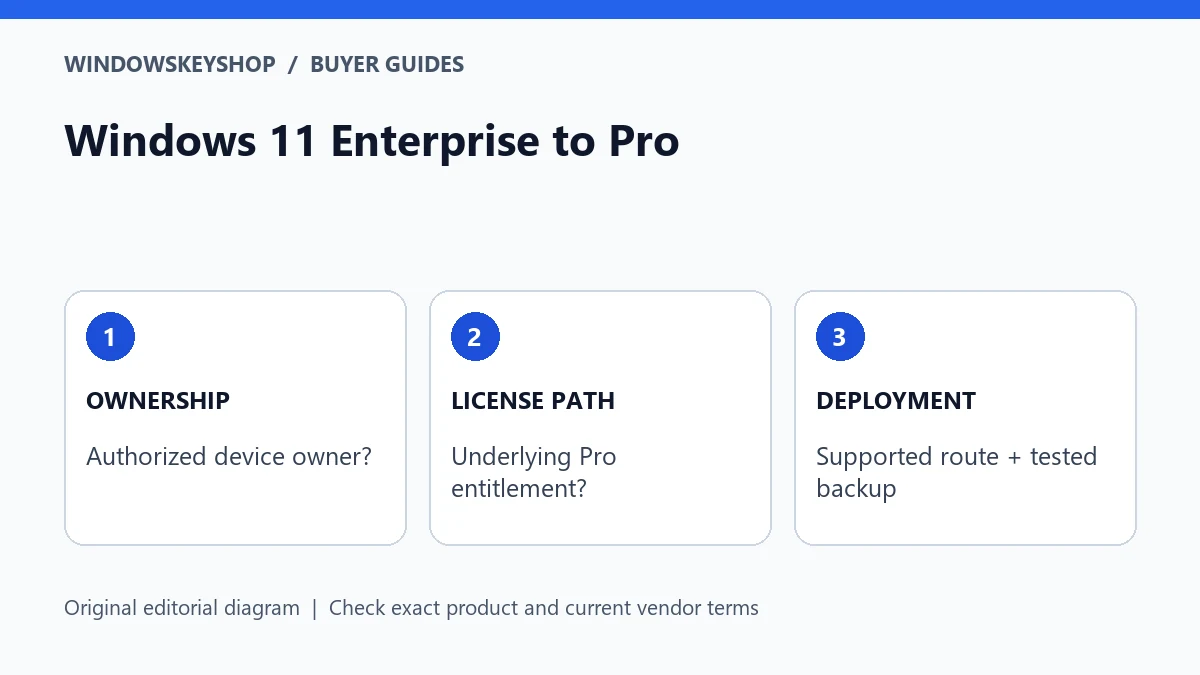
Windows 11 Enterprise to Pro is not a universal key-swap procedure. The supported route depends on the installed edition, how Enterprise was licensed and whether the device has an eligible underlying Pro license. Enterprise LTSC is a separate case. Confirm ownership, management status, backups and the applicable Microsoft path before buying a replacement key.
Do not start by entering a different key
An Enterprise installation may come from an organization's deployment, a subscription arrangement or another commercial licensing context. A personal buyer cannot infer the correct downgrade procedure from the edition label alone. Establish where the installation came from and who is authorized to change it.
If the PC belongs to an employer, stop and contact its administrator. If it is a used PC you bought, ask the seller for evidence of ownership, the supplied Windows entitlement and any remaining organizational management. Do not try to remove access controls or bypass enrollment yourself.
A Windows 11 Enterprise to Pro purchase should solve a documented license-and-deployment requirement. It should not be an attempt to make an unexplained installation look legitimate by entering a cheap key. Keep the technical route and the entitlement evidence separate throughout the process.
Seven questions that determine the route
- Are you the authorized owner, or do you have the owner's approval?
- What complete edition is installed, including LTSC or other variant information?
- How was Enterprise supplied: organizational deployment, subscription activation or another documented route?
- Is there a valid underlying Pro entitlement for this device, and where is the evidence?
- Does Microsoft document a supported direct path for this exact situation?
- Which files, applications, recovery keys and settings must be recoverable if a reinstall is required?
- Who will verify the final edition, activation and absence of unresolved organizational management?
Do not replace an unknown answer with a generic internet command. Missing provenance is a reason to ask the seller or administrator, not a reason to weaken security or conceal the device's history.
Supported paths depend on the licensing situation
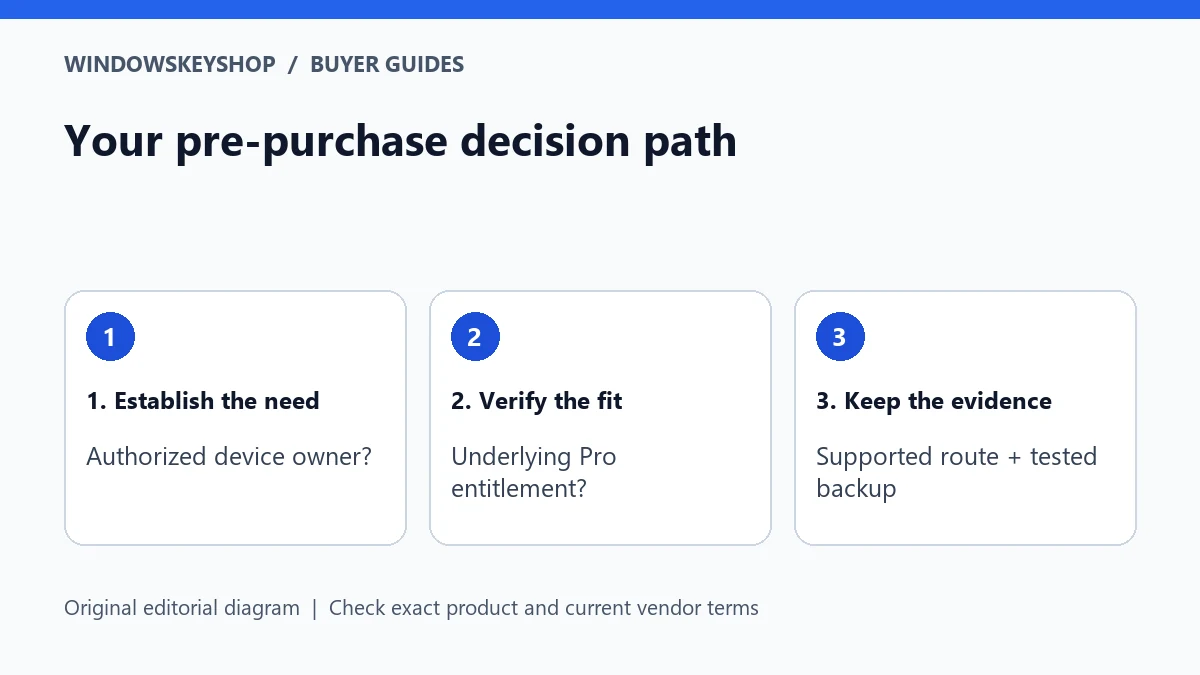
Microsoft's edition-upgrade guidance includes specific Enterprise-to-Pro downgrade scenarios and describes subscription-related behavior. Those examples do not mean every Enterprise machine can be converted with no disruption. Match the documented prerequisites to your own device.
In particular, an eligible underlying Pro license matters in the documented scenario. A product key found online or supplied without evidence is not the same thing as establishing that entitlement. Ask the responsible administrator or seller to explain the existing rights.
If your situation is outside a supported direct path, plan a supported installation rather than using registry tricks to force the installer to accept a different edition. The convenience of keeping applications does not justify an unsupported conversion or an unverified license.
Enterprise LTSC needs its own decision
Do not shorten Enterprise LTSC to Enterprise when seeking advice. Microsoft treats LTSC paths separately in its edition guidance. A method that applies to a different Enterprise scenario should not be copied into an LTSC installation without confirming support.
Record the complete product name and release. Check the applications, drivers and organizational dependencies that rely on the existing environment. A machine used for a specialized process may need a planned migration rather than an edition change performed during ordinary work.
A retailer should not promise that a Pro key converts every LTSC device while retaining everything. If the supported route requires a clean installation, treat it as a migration project with backups, application installers and a validation window. Avoid making the irreversible step until the recovery plan is usable.
Used-PC example: what the seller must clarify
Suppose a used business laptop arrives with Enterprise installed and an organization name shown during setup. The buyer should first ask the seller to resolve the device's ownership and management status through the proper channels. Buying a Pro key is not proof that the organization has released the device.
The seller should also identify what Windows entitlement was included with the sale. Keep the listing and invoice while this is clarified. If the answers are inconsistent, do not continue entering personal data or business accounts into an unexplained environment. Seek an appropriate remedy from the seller.
This is a hypothetical buyer-safety example, not an accusation about a particular used-PC supplier. The principle is simple: ownership, management release and operating-system rights are separate facts. None should be inferred solely from an activated desktop.
Plan for recovery before preserving applications
Back up documents and other important data to a recoverable location and verify a sample restore. Record application installers, license evidence and account-recovery routes without putting secrets into a shared worksheet. Include encryption recovery information where it applies.
List the programs that must work on Pro and ask their vendors about supported configurations. An application that depends on an organization's network, certificate or service may not continue working after a device changes management context. Saving a program folder is not a complete migration plan.
Set a quiet maintenance window and a clear stop condition. If the documented route does not match the device or the backup cannot be restored, postpone the change. A delay is safer than discovering halfway through a reinstall that an essential business application cannot be recovered.
Validate the result, not just the installer
After the supported change, inspect the complete edition and activation state. Run normal updates, reopen representative files and confirm the essential applications work. If the device was previously managed, have the responsible party verify that the transition was completed properly.
Retain the purchase and migration records so a future reinstall does not restart the same investigation. Note who approved the change and the Microsoft path used. Do not store passwords or full keys in a document that may be shared with support.
If a problem remains, classify it: activation, management, application compatibility or data recovery. Different owners may need to resolve each issue. Repeatedly entering new keys is unlikely to solve a problem caused by a missing organizational release or an unsupported migration route.
Your decision worksheet
Use this original planning worksheet to turn the comparison into a documented decision. It is an illustrative tool, not a certification of a particular device, application or license.
- Create a provenance timeline: where the PC came from, who owned it, what the invoice included and how the current Enterprise installation was supplied. Keep unanswered questions visible. Do not fill gaps with assumptions based on the seller's general reputation or the fact that Windows currently starts.
- Make a migration inventory covering documents, application installers, entitlement evidence, encryption recovery and organization-dependent services. Give each item an owner and a recovery route. A file copy alone is not sufficient when an application depends on a business account or a managed network.
- Write down the exact Microsoft-supported path and the prerequisites you have verified. If your installed variant or license situation differs, stop and ask a qualified administrator. Avoid converting a narrowly documented scenario into a general promise that every Enterprise installation can become Pro in place.
- Set acceptance checks for the final machine: correct edition, appropriate activation, normal updating, working applications and resolved management status. Keep a record of any remaining issue and its owner. Do not declare the migration complete merely because the desktop appears or an activation dialog says success.
Frequently asked questions
Can I always downgrade without losing files?
No universal promise is safe. Confirm that your exact situation has a supported direct path, and maintain a tested backup even when a path is documented.
Does a Pro key remove company management?
Do not treat it as a management-release mechanism. The legitimate owner or administrator must resolve organizational controls through the proper process.
Is Enterprise LTSC the same case?
No. Keep the complete edition name and consult the LTSC-specific limitations in Microsoft's guidance before planning a migration.
What if I bought a used PC with unexplained Enterprise?
Ask the seller for ownership, entitlement and management-release evidence before proceeding. Do not bypass enrollment or assume activation proves those facts.
Choose the product only after these checks
Need a Windows license for a documented requirement? Compare the exact edition and terms in our Windows catalog. Do not substitute standard Pro for Pro N, Enterprise or Pro for Workstations without verifying fit.
Compare Windows license options
Unsure about fit? Ask WindowsKeyShop before purchase and keep the written answer with your invoice. The store’s stated 30-day guarantee concerns non-working keys under its published policies; it is not a general change-of-mind promise and does not override mandatory consumer rights.
Related guides
Sources and verification notes
Primary vendor documentation checked for this draft on 19 October 2026. Requirements and availability can change. The scenarios and worksheets are original editorial examples, not claims of customer testing.