


Quick answer
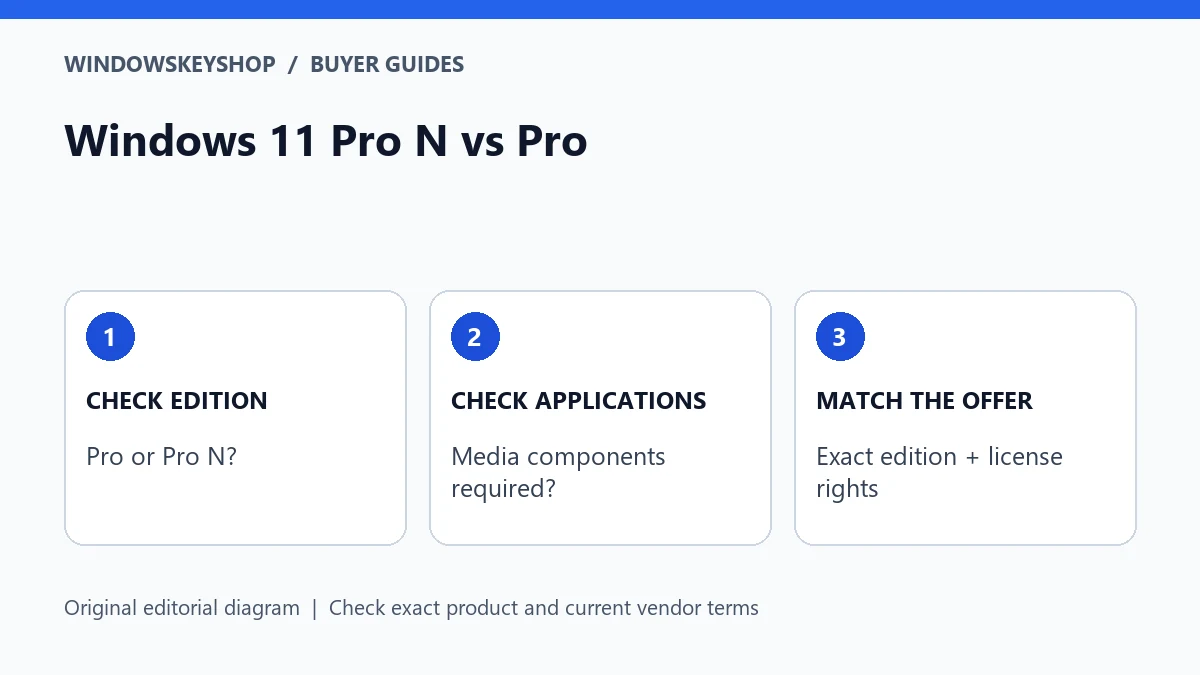
Windows 11 Pro N vs Pro matters when choosing installation media, an activation key and media-dependent applications. N editions omit specified media technologies. Microsoft's Media Feature Pack can add components to a supported N installation, but it is not evidence that a normal Pro key matches Pro N or that your license edition has changed.
What does the N suffix mean for a buyer?
The suffix is part of the edition name, not a cosmetic seller label. Microsoft documents missing media technologies in N editions and offers a Media Feature Pack for supported installations. That difference can affect workflows that depend on the omitted components.
Before buying a key, inspect the complete edition name in Windows Settings. Record any N suffix exactly. If you are planning a fresh installation, make the intended edition explicit in your notes rather than assuming every installer and key marked Pro will fit.
This guide does not claim that every app fails on N, that N is a lighter performance edition or that installing one optional component guarantees all application compatibility. Check the particular software and the current Microsoft instructions for your Windows release.
Seven checks before buying or reinstalling
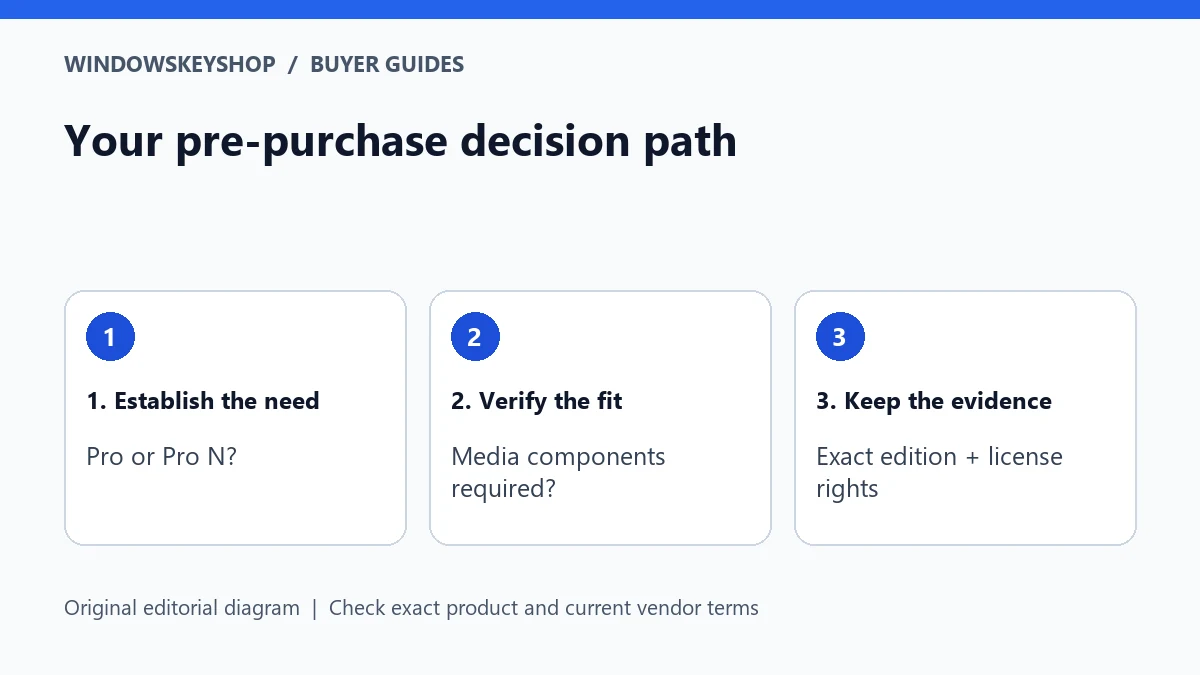
- Read the full installed edition name in Settings > System > About.
- Check activation separately so you know whether the current installation already has an entitlement.
- Record the exact edition on the proposed listing and ask about an unclear N suffix before payment.
- List the media, communication, recording or playback applications you need.
- Compare their requirements with Microsoft's Media Feature Pack guidance for the installed release.
- Back up important data and record recovery information before attempting an edition change or reinstall.
- Obtain the supported route from the relevant documentation rather than trying generic keys or activation scripts.
A mismatch is a compatibility question to resolve, not a reason to keep buying keys until one activates. Give support the edition name and sanitized error message, but never publish a full key or private account information.
What the Media Feature Pack can and cannot settle
Microsoft describes installing the Media Feature Pack through optional features for applicable N editions and completing the required restart. Follow the instructions for your installed version rather than downloading replacement components from an unknown site.
The pack addresses media-component availability. It does not by itself establish license ownership, verify a seller or prove that two edition labels are interchangeable. Treat component installation and activation as separate tasks with separate acceptance checks.
After installing the supported pack, test the actual application workflow you needed: recording, playback, conferencing or another task. A successful optional-feature installation is only an intermediate result. If the application still fails, consult its vendor's requirements instead of assuming another product key will solve it.
Avoid an accidental edition mismatch
A buyer replacing a drive may remember only 'Windows Pro' and forget the exact installed variant. A seller may also use shortened product names. Those two shortcuts can create confusion when the system is reinstalled. Preserve the complete edition information before changing the device.
When you contact a seller, use a precise question: 'My current installation reports Windows 11 Pro N. Does this offer supply the rights and activation method for that exact edition, and what supported installation route should I use?' Keep the answer with the invoice.
Do not edit registry values or apply modified installation tools to make an edition appear to match. Microsoft's upgrade-path guidance notes that edition-type changes can affect what settings and applications are retained. A backup and a supported deployment plan are more important than making a label look right.
Example: a restored PC with a conferencing problem
Suppose a buyer restores a used computer and then discovers that a conferencing workflow is missing a required component. The correct first step is to establish the installed edition, application version and actual error. If the system is N, the Microsoft guidance becomes relevant, but that is still a diagnosis to verify.
Buying a normal Pro key immediately would mix a media-component problem with a license decision. Installing an unofficial codec pack would introduce a separate trust risk. The better sequence is to check requirements, use the supported component route if applicable and retest the specific task.
This hypothetical example illustrates controlled troubleshooting. It is not a claim that every conferencing issue is caused by N. Drivers, permissions, devices and application support can have their own requirements; change one relevant factor at a time.
Choosing an edition for a fresh build
If you are starting from scratch, compare the exact editions offered against your requirements and the license terms. Do not choose N solely because an advertisement describes it as faster, smaller or more professional without relevant evidence. The real question is whether the configuration supports your intended work.
Keep a simple compatibility list for must-have applications and peripherals. Record which vendor requirement you checked and when. This is especially useful for a PC used by someone else, because the installer may not know which calls, recordings or media tasks the everyday user relies on.
If you need to change edition, obtain the supported path and understand whether applications, settings or data will be retained. Never promise a no-data-loss conversion based only on a key purchase. Test the backup before making a change that could require reinstalling software.
A good support request saves time
Send the seller or application vendor the precise edition, the intended product offer and the sanitized error. Explain whether you are activating an existing installation, reinstalling after a drive change or addressing an application problem. These are different situations.
Avoid attaching a full desktop screenshot when a small excerpt is enough. Remove email addresses, order details and keys that the recipient does not need. Use the seller's private support route for purchase evidence.
Close the issue only when the right edition is activated appropriately and the required workflow works. If activation succeeds but the application still fails, keep the application issue open. If the app works but entitlement evidence is missing, do not treat the working screen as proof of the license rights.
Your decision worksheet
Use this original planning worksheet to turn the comparison into a documented decision. It is an illustrative tool, not a certification of a particular device, application or license.
- Build a small edition record before replacing a drive or reinstalling: complete Windows name, activation status, device owner and source of the existing entitlement. Keep the actual product key out of shared notes. This record prevents an installer from silently choosing a different variant.
- List the media-dependent jobs the user performs, not merely the app names. A recording, a call and playback of a particular file type may exercise different components. Define one test for each essential job and retain a sample that does not contain personal or business-confidential content.
- Separate the support questions. Ask the seller about edition and entitlement compatibility; ask the application vendor about the required media components; ask the hardware vendor about a device or driver fault. Sending every issue to the key seller can lead to repeated purchases without diagnosis.
- Set a final acceptance record with two independent outcomes: the intended edition is appropriately activated, and the required media workflow passes. If only one outcome succeeds, continue with the relevant support route. Do not use a successful app test to infer legal rights, or successful activation to infer complete application compatibility.
Frequently asked questions
Does the Media Feature Pack turn Pro N into Pro?
Treat it as a supported media-component installation, not an edition-conversion or license-ownership certificate. Check the installed edition and applicable activation requirements separately.
Can I assume any Pro key will activate Pro N?
No. Match the exact edition and ask the seller for written compatibility and license information before payment.
Should I buy N for better gaming performance?
This guide provides no benchmark supporting that claim. Check the games' requirements and the edition's media-component implications instead.
Will adding media components fix every app?
No guarantee follows from adding a component. Retest the application and consult its vendor if the specific workflow still fails.
Choose the product only after these checks
Need a Windows license for a documented requirement? Compare the exact edition and terms in our Windows catalog. Do not substitute standard Pro for Pro N, Enterprise or Pro for Workstations without verifying fit.
Compare Windows license options
Unsure about fit? Ask WindowsKeyShop before purchase and keep the written answer with your invoice. The store’s stated 30-day guarantee concerns non-working keys under its published policies; it is not a general change-of-mind promise and does not override mandatory consumer rights.
Related guides
Sources and verification notes
Primary vendor documentation checked for this draft on 19 October 2026. Requirements and availability can change. The scenarios and worksheets are original editorial examples, not claims of customer testing.