


Quick answer
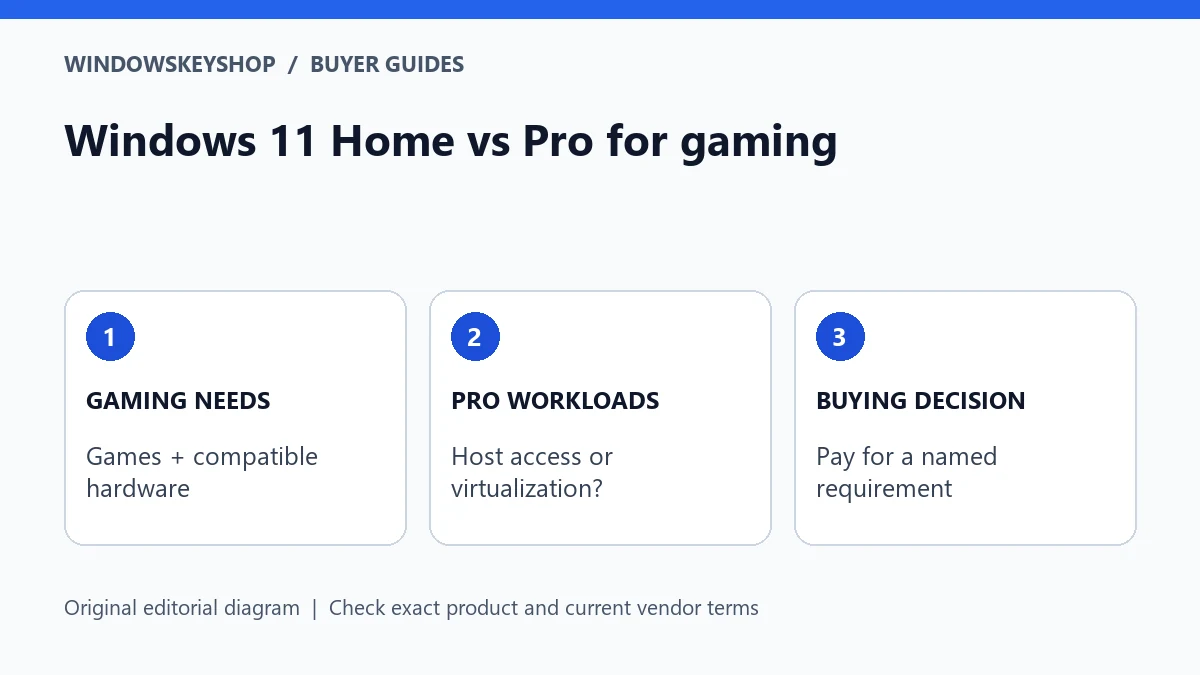
Windows 11 Home vs Pro for gaming is mainly a feature-and-budget decision, not a guaranteed frame-rate upgrade. Choose Pro when you also need a specific Pro capability, such as Remote Desktop hosting or the full Hyper-V role. For a gaming-only PC, first check hardware, game compatibility and the license you already own.
Is Pro automatically faster for games?
Do not treat the edition name as a benchmark. Microsoft presents gaming technologies such as DirectStorage in its Windows comparison material, but that is not evidence that buying Pro alone increases your frame rate. Game behavior depends on the complete system and the game's own requirements.
A useful buying comparison keeps hardware, driver versions, settings, background tasks and game build constant. If those factors differ, an online benchmark cannot isolate an edition effect. This guide contains no claimed hands-on FPS test and no invented performance percentage.
If your current Home installation already runs the games you want, identify a missing capability before upgrading. A vaguely described 'professional gaming key' is not a technical requirement. Ask what concrete feature changes and how that change solves a problem on your machine.
Six checks for a gaming-PC purchase
- Check the installed edition and activation state. A valid existing license may mean you do not need another purchase.
- Read the requirements for your actual games, launchers, peripherals and anti-cheat systems. An edition comparison cannot replace those checks.
- Identify non-gaming workloads: virtual machines, incoming Remote Desktop, workplace management or another specific Pro requirement.
- Confirm whether the offer is a full license, an upgrade or an OEM-related product and whether it matches your intended device.
- Compare the complete build budget rather than assuming a more expensive edition is the best performance purchase.
- Keep a recovery plan and the records needed to reinstall the correct edition later.
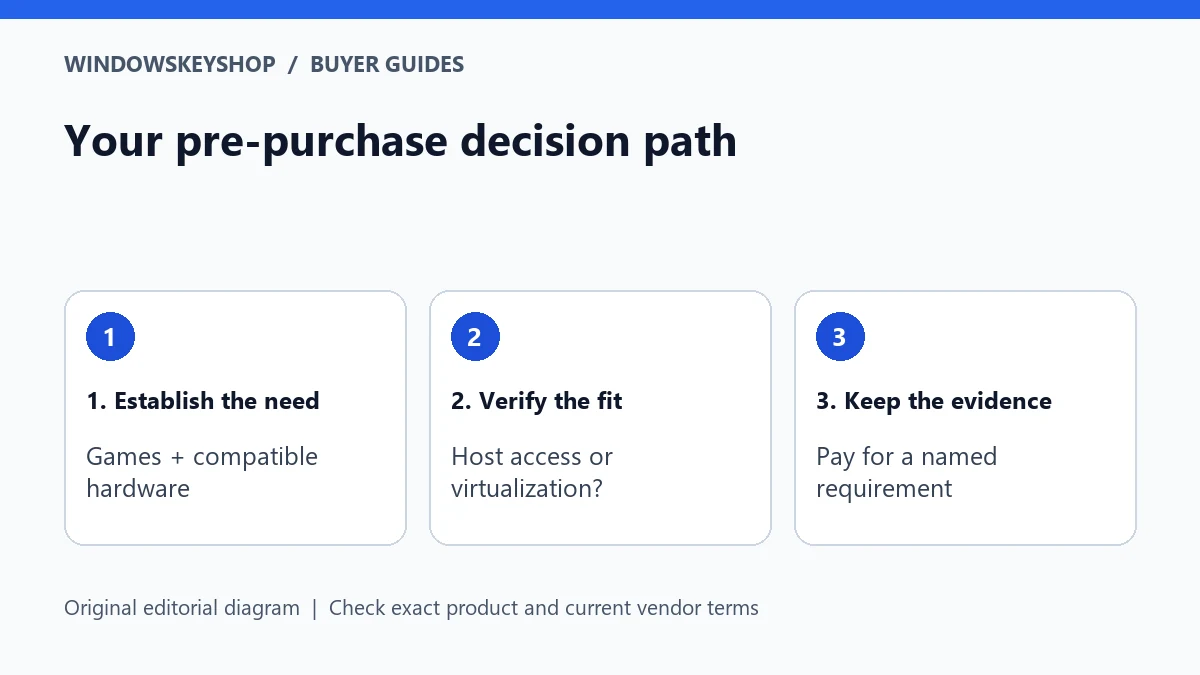
Answer each item with evidence: a Settings screen, a vendor requirement or the seller's written terms. An unanswered item should lead to a question, not an automatic upsell. If the game publisher lists a particular restriction, follow that current guidance rather than relying on a general operating-system article.
When Pro makes sense on a gaming computer
A gaming computer can also be a work machine. Pro can be a sensible choice when the same PC must receive built-in Remote Desktop connections or run a supported client Hyper-V setup. The reason for the purchase is that additional workload, not a promise that every game becomes faster.
Check each requirement independently. Wanting to connect from your gaming PC to another computer is not the same as needing your gaming PC to receive the connection. Similarly, needing a Linux command-line workflow is not automatically the same as needing the full Hyper-V management role.
Businesses should also consider their management and security standards. If an employer requires a particular edition, that can settle the choice even when the user mainly notices games after work. Obtain the organization's approval before changing its device or using a personal license for managed work.
Keep the license decision separate from the build
A PC purchase has at least three decisions: compatible hardware, a supported operating-system setup and appropriate license rights. Solving one does not solve the other two. An edition key cannot add missing hardware support, and a successful installation does not prove the seller supplied the rights you need.
For a prebuilt computer, ask whether Windows is already included and which edition is on the invoice. For a self-built machine, record whether you are buying a new license or planning a permitted transfer. Do not assume that a license from an old device can move merely because the old device is no longer used.
If you plan to replace the motherboard, keep the activation and license records before dismantling the old system. Buying a higher edition only because you are worried about a future reinstall can be unnecessary. First establish what you own and what the applicable terms allow.
Example: a gaming tower that also hosts a lab
Imagine two buyers with similar graphics hardware. One plays games and uses ordinary desktop applications. The other maintains a small development lab using local virtual machines and wants an integrated management workflow. Their graphics requirements may be similar, but their operating-system feature requirements differ.
The first buyer should not select Pro on an unsupported FPS claim. The second should verify the exact virtualization requirements and hardware support, then evaluate Pro because it supplies a relevant capability. Neither buyer should copy the other's edition choice without matching the workload.
These are hypothetical planning scenarios, not measured test results. The point is to make the extra expense accountable: name the job, name the feature and define success. If you cannot complete that sentence, pause before paying for an upgrade.
What to test after installing the chosen edition
Before adding every optional tool, confirm the basics: the expected edition is installed, activation is correct, normal updates work and the essential game launches. Install drivers from the appropriate hardware vendor and keep account-recovery information private.
Add additional work tools one at a time. If a game or anti-cheat system reports a conflict after a virtualization change, consult the current game and tool documentation. Do not turn off security protections merely because an anonymous optimization guide claims more speed.
Keep a small change log with dates and observed behavior. 'The game stopped launching after enabling this feature' is actionable. 'Pro is bad for games' is too broad to diagnose. A controlled record also helps you avoid purchasing another key for what is actually a driver, configuration or application issue.
How to compare offers without being distracted by price
Ask the seller for the exact edition, channel, device allowance, activation route and any upgrade prerequisite. A listing that mixes Home, Pro and Pro N as interchangeable labels needs clarification before payment. Retain the answer with your invoice.
Look beyond the headline price to the cost of an unsuitable purchase. A key that does not match the installed edition can delay a build. An unsupported transfer assumption can force another purchase. A short compatibility check can therefore matter more than a small advertised saving.
Do not accept 'lifetime' as a promise of perpetual security updates or future Windows releases. Understand what right is being sold and how its terms apply to your device. If a product is unsuitable for a gaming-only use case, choosing not to upgrade is a valid outcome of this guide.
Your decision worksheet
Use this original planning worksheet to turn the comparison into a documented decision. It is an illustrative tool, not a certification of a particular device, application or license.
- Create two columns: games you must run and non-gaming jobs the same PC must perform. Put specific applications in each column instead of labels such as powerful or professional. A Pro-only job belongs in the second column even when the machine is marketed as a gaming PC.
- Write a budget note that separates the operating-system license from hardware upgrades. Do not allocate a performance benefit to Pro unless you have a credible test for your own configuration. If the reason for buying is a business feature, record that reason honestly rather than presenting it as a gaming optimization.
- Record a baseline before changing editions or optional features: current driver version, game settings, whether the game launches and the exact test scene if you measure performance. Keep this private record simple enough to repeat. Changing several variables at once makes an edition comparison unreliable.
- Define the stop condition: the required games and work tools function, the system is activated correctly and the license evidence is retained. Do not keep buying keys or applying aggressive tweaks after that outcome is achieved. If the issue is a particular game, take the recorded error to its publisher's support route.
Frequently asked questions
Will upgrading Home to Pro improve FPS?
Do not buy on that assumption. This guide has no controlled benchmark establishing an FPS gain. Buy Pro for a documented feature requirement, not the edition label.
Can a gaming PC also use Pro for work?
Yes, but check the work requirement, hardware and license independently. An employer's management policy can matter more than the gaming use case.
Should I replace an activated Home license immediately?
Not unless you need a capability your current setup lacks or another documented requirement applies. First check the installed edition and games you actually use.
Is Pro N the same buying choice as Pro?
No. N editions have different media components, so match the exact edition and check application requirements rather than treating every Pro key as interchangeable.
Choose the product only after these checks
Need a Windows license for a documented requirement? Compare the exact edition and terms in our Windows catalog. Do not substitute standard Pro for Pro N, Enterprise or Pro for Workstations without verifying fit.
Compare Windows license options
Unsure about fit? Ask WindowsKeyShop before purchase and keep the written answer with your invoice. The store’s stated 30-day guarantee concerns non-working keys under its published policies; it is not a general change-of-mind promise and does not override mandatory consumer rights.
Related guides
Sources and verification notes
Primary vendor documentation checked for this draft on 19 October 2026. Requirements and availability can change. The scenarios and worksheets are original editorial examples, not claims of customer testing.