


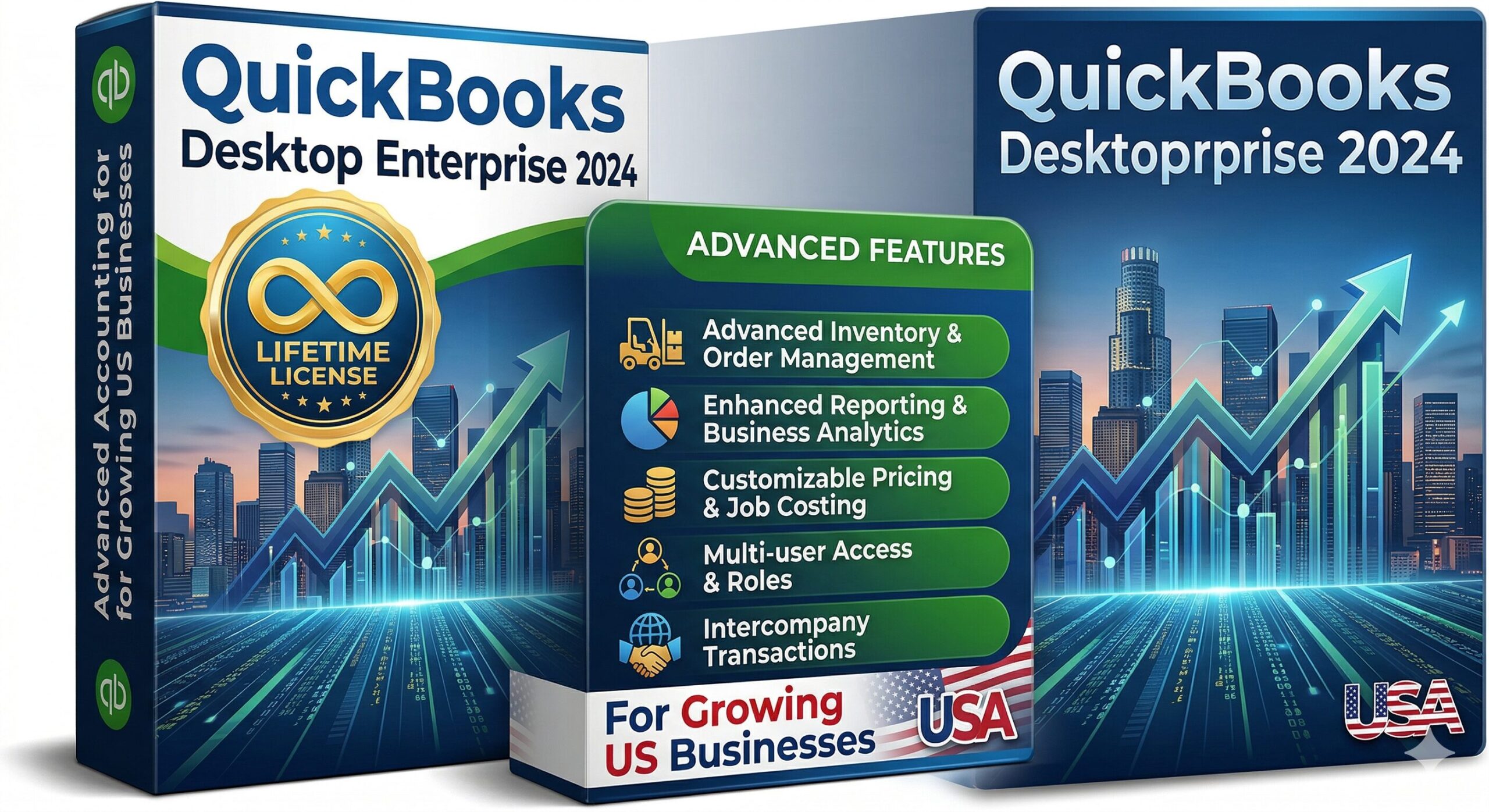
At some point, Pro Plus and Premier Plus hit a ceiling. When your business is managing dozens of employees, complex multi-location inventory, or thousands of transactions per month, you need a tool that scales with you. That tool is QuickBooks Desktop Enterprise 2024 — and with a lifetime license from WindowsKeyShop, you get all that power without Intuit’s steep annual subscription costs.
This guide explains exactly what QuickBooks Enterprise 2024 offers, who it is built for, how it compares to lower-tier editions, and what it costs to own it forever starting today.
What Is QuickBooks Desktop Enterprise 2024?
QuickBooks Desktop Enterprise 2024 is the highest-tier version of QuickBooks’ locally-installed software. It is built for businesses that have outgrown Pro Plus and Premier Plus and need more users, deeper reporting, and more powerful inventory management. Key specs that separate Enterprise from all other QuickBooks editions:
- Supports up to 30 simultaneous users (vs 5 in Premier Plus and 3 in Pro Plus)
- Handles company files up to 1 GB — six times the capacity of Pro Plus
- Advanced Inventory module with bin, location, and serial number tracking
- Advanced Pricing with automated price rules, quantity discounts, and customer tiers
- Deeper reporting with over 200 built-in reports and full customization
- Role-based user access control — restrict what each team member can see or edit
- Priority Circle customer support — direct line to QuickBooks experts
💡 In short: Enterprise is what you move to when your business has grown to the point where Pro or Premier can no longer keep up.
QuickBooks Desktop Enterprise 2024 Industry Editions
Like Premier Plus, Enterprise 2024 comes with dedicated industry editions included in the license. Each edition ships with pre-configured chart of accounts, industry-specific reports, and workflow templates.
🏗 Enterprise Contractor Edition
The most popular Enterprise edition in the US, used by general contractors, specialty subcontractors, home builders, and engineering firms:
- Job costing with estimated vs actual comparisons down to labor, materials, and overhead
- Work-in-progress (WIP) and over/under-billing reports for progress-billed projects
- Subcontractor certificate of insurance tracking
- Certified payroll reports for prevailing wage jobs (Davis-Bacon Act compliance)
- AIA-style billing for commercial construction projects
⚠️ This edition is the direct replacement for users still searching for “quickbooks enterprise contractor” or running outdated Enterprise 21 or Enterprise 22 versions that no longer receive tax updates.
🤝 Enterprise Nonprofit Edition
Trusted by nonprofits, foundations, churches, and educational institutions across the United States:
- Manage multiple funds and programs with separate budgets
- Track restricted and unrestricted funds side by side
- Generate Form 990-ready financial summaries
- Grant reporting with expense allocation by funding source
🏭 Enterprise Manufacturing and Wholesale Edition
- Bill of materials with multi-level assemblies
- Pick, pack, and ship workflow management
- Lot and serial number tracking throughout the supply chain
- Reorder point alerts and purchase order automation
🛒 Enterprise Retail Edition
- Multi-location inventory tracking with bin and warehouse assignments
- Customer pricing tiers with automatic rule application
- Sales performance by location, category, and sales rep
Enterprise vs Premier Plus vs Pro Plus: Full Comparison
QuickBooks Desktop Enterprise 2024 Pricing at WindowsKeyShop
3-Year Savings vs Intuit Subscription
Intuit charges $1,830/year = $5,490 over 3 years | WindowsKeyShop: $295.99 one-time
You save over $5,000 with a lifetime license
Upgrading from QuickBooks Enterprise 21, 22, or 2019
Many Enterprise users in the US are still running QuickBooks Enterprise 21 or Enterprise 22 — versions that have aged out of tax table updates and are increasingly incompatible with Windows 11. Here is what you need to know about upgrading:
- Your entire company file — transactions, customers, vendors, payroll records — migrates automatically
- Enterprise 2024 is fully compatible with Windows 10 and Windows 11 64-bit
- Native 64-bit mode improves performance by 30–40% versus older 32-bit Enterprise versions
- All custom reports and templates from your previous Enterprise version will transfer
- You can upgrade in place — no need to reinstall from scratch
💡 Tip: Before upgrading, create a full backup of your company file. QuickBooks will prompt you automatically, but a manual backup adds extra security.
Should You Switch from Enterprise to QuickBooks Online?
Intuit actively encourages users to convert to QuickBooks Online. Here is an honest assessment of when to stay vs when to switch.
✅ Reasons to Stay with QuickBooks Desktop Enterprise
- Features QBO doesn’t replicate: WIP reports, advanced job costing, AIA billing, bill of materials, lot tracking
- Large company file (over 150 MB) that would exceed QuickBooks Online’s data handling
- Team works in areas with unreliable internet — desktop software works fully offline
- You want to pay once and own your software rather than paying indefinitely
⚠️ Reasons Some Businesses Move to QuickBooks Online
- You need real-time access from multiple remote locations or mobile devices
- Your team is fully cloud-based and collaboration is the top priority
- You have a very small operation (under 3 users) with straightforward needs
Frequently Asked Questions
The Most Powerful QuickBooks, Owned for Life
Support for up to 30 users, advanced inventory, 200+ reports, and a file capacity 6× larger than Pro Plus — built to grow with you.
🛒 Starting at $295.99 · Up to 30 Users · 30-Day Money-Back
Buy QuickBooks Enterprise 2024 Lifetime →
✓ Genuine Intuit License ✓ Delivery in 1–6 Hours ✓ 30-Day Money-Back ✓ Free Support