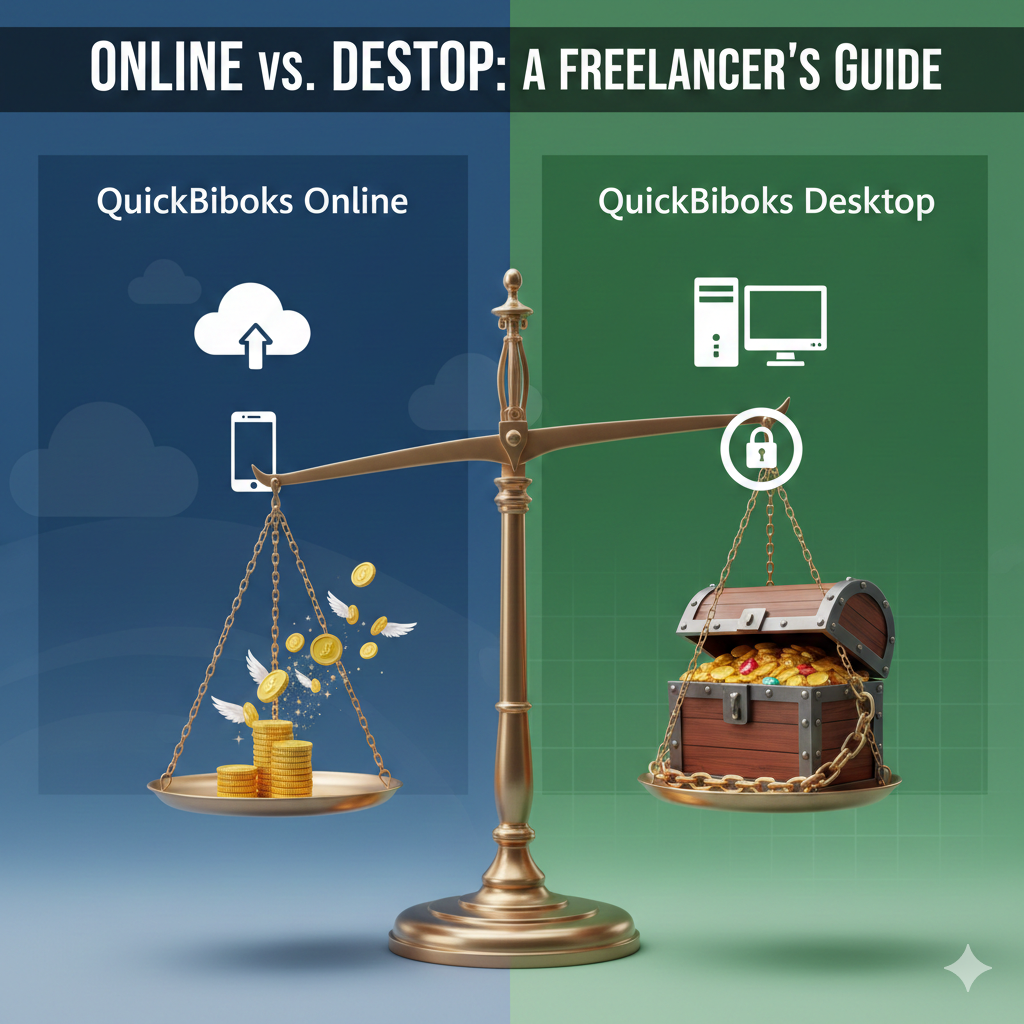
Are you a freelancer, independent contractor, or self-employed professional in the USA trying to make sense of your accounting options? You’ve likely encountered the massive marketing push for QuickBooks Online Self Employed and QuickBooks Online Simple Start. While these cloud-based solutions promise a “fast and easy QBO” experience, they come with a catch that many small business owners dread: a never-ending monthly subscription fee.
For many cost-conscious US contractors, the idea of renting access to their own financial data is frustrating. But what if there was a powerful, secure alternative that you could own forever with a single payment?
In this guide, we’ll cut through the noise and compare the popular QuickBooks Online subscriptions against a powerful, often-overlooked contender: the QuickBooks Desktop Lifetime License. We’ll help you decide which option is truly the best fit for your Schedule C filing, 1099 management, and long-term budget.
The Problem with QuickBooks Online for Freelancers
QuickBooks Online is excellent software, but its pricing model is designed for ongoing revenue, not necessarily for the long-term benefit of a solopreneur.
The High Cost of “Simple Start”
Many freelancers start with QuickBooks Online Simple Start. It seems affordable at first, often with an introductory discount. However, once that discount ends, you’re locked into a monthly fee that can add up to hundreds of dollars a year. If you need more features, moving up to plans like QuickBooks Online Advanced can quickly become prohibitively expensive for a one-person operation.
You Don’t Own Your Data
This is a major concern for many US businesses. With the online version, your financial records reside on Intuit’s servers under their terms. If you stop paying the subscription, you risk losing access to your historical data, which is crucial for IRS audits or future business planning.
Why QuickBooks Desktop is a Game-Changer for US Contractors
For years, QuickBooks Desktop has been the gold standard for accounting. While Intuit is pushing users to the cloud, the Desktop version remains a powerhouse, especially for contractors who need robust features without the recurring costs.
The Power of the Lifetime License
Imagine paying once for your accounting software and never receiving another bill. That’s the reality of a QuickBooks Desktop lifetime license. For a single upfront cost, you own the software version forever. For a freelancer planning to be in business for 3, 5, or 10 years, the savings compared to an online subscription are enormous.
Total Data Security & Control
With QuickBooks Desktop, your sensitive financial data—client lists, income records, and social security numbers for 1099s—stays on your local computer. You are not dependent on an internet connection to access your books, and you have complete control over your data’s privacy and backups.
Advanced Features for Contractors
While QuickBooks Online for contractors has improved, the Desktop Premier edition (often available as a lifetime license) includes powerful, industry-specific tools like:
-
Job Costing: Track expenses by project to see exactly how much profit you make on each job.
-
Estimates & Change Orders: Look professional and manage client expectations effortlessly.
-
Robust Reporting: Generate the detailed Profit & Loss reports you need for your Schedule C tax filing.
At a Glance: QuickBooks Online vs. Desktop Comparison:
| Feature | QuickBooks Online (Simple Start) | QuickBooks Desktop (Lifetime) |
| Payment Model | Monthly Subscription (Forever) | One-Time Payment (Own it forever) |
| Data Storage | Cloud (Intuit’s Servers) | Local PC (Your Control) |
| Internet Required? | Yes, always. | No, works offline. |
| Long-Term Cost | High ($$$ over years) | Low (Single investment) |
| Ideal For | Users who need mobile access. | Users who want lowest cost & security. |
The Verdict: Which is Best for Your US Business?
The choice comes down to your priorities as a business owner.
Choose QuickBooks Online if: You absolutely need to access your books from your phone or multiple computers and don’t mind paying a premium for that convenience.
Choose a QuickBooks Desktop Lifetime License if: You are a US freelancer or contractor who wants the best long-term value, total control over your financial data, and powerful job-costing features without being tied to a monthly subscription. For many, it’s the smartest financial decision you can make for your business.
Ready to stop renting your accounting software? Check out our genuine QuickBooks Desktop Lifetime Licenses and secure your financial future today.